
Workspace
Settings overview
Profile, notifications, organisation and where each setting lives.
The three settings groups
Settings covers everything about how your workspace and your own account behave, and it is split into three groups so personal preferences never sit next to workspace-wide controls that only some roles should touch.
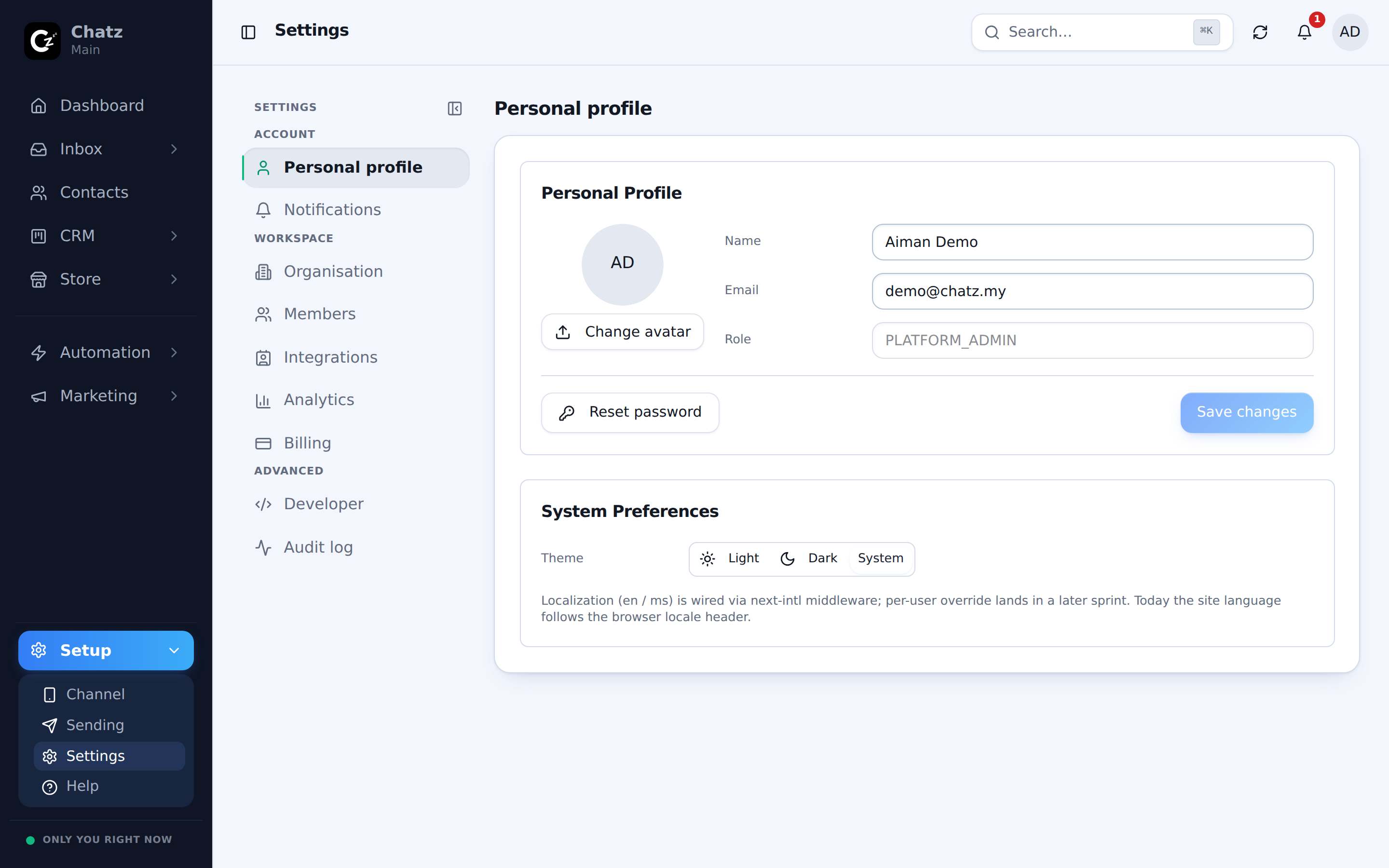
| Group | What lives there |
|---|---|
| Account | Personal profile, notification preferences: yours alone, not shared with the workspace. |
| Workspace | Organisation, members, integrations, analytics markers, billing: everyone in the workspace is affected by these. |
| Advanced | Developer (API tokens, webhooks) and the audit log. |
Personal profile
Your name, avatar and the details other teammates see attached to your replies and notes live under Personal profile, in the Account group. This is the one settings screen every role can reach, since it only changes how you appear, not how the workspace behaves.
Notification preferences
Also under Account, notification preferences control what reaches you: chat activity, mentions, missed calls and system notices. These are per-user, so you can turn down chat alerts while a teammate keeps theirs on, and they apply on top of the push notifications an installed copy of Chatz can send to your phone.
Organisation and analytics markers
Organisation, in the Workspace group, holds the details of the business itself. Nearby, the analytics settings define what counts as Won, Lost and Resolved: the markers your CRM board and reporting use to know when a deal or a conversation is actually finished, rather than guessing from a status name.