
Know which ad every WhatsApp lead came from, and what it cost
Click-to-WhatsApp and Messenger ads land in the inbox already tagged with the campaign. Ads Manager puts spend, leads, cost per lead and closed sales side by side, so next month’s budget goes to the ads that sell.
| Ad | Leads | CPL | Won |
|---|---|---|---|
Swiss Alps Dec Spend RM612.00 | 34 | RM18.00 | 3 |
Umrah Ramadan Spend RM845.00 | 41 | RM20.61 | 5 |
Japan Autumn Spend RM390.00 | 12 | RM32.50 | 0 |
Cost per lead coloured against your own bands. Sample figures.
The ad follows the lead into the chat
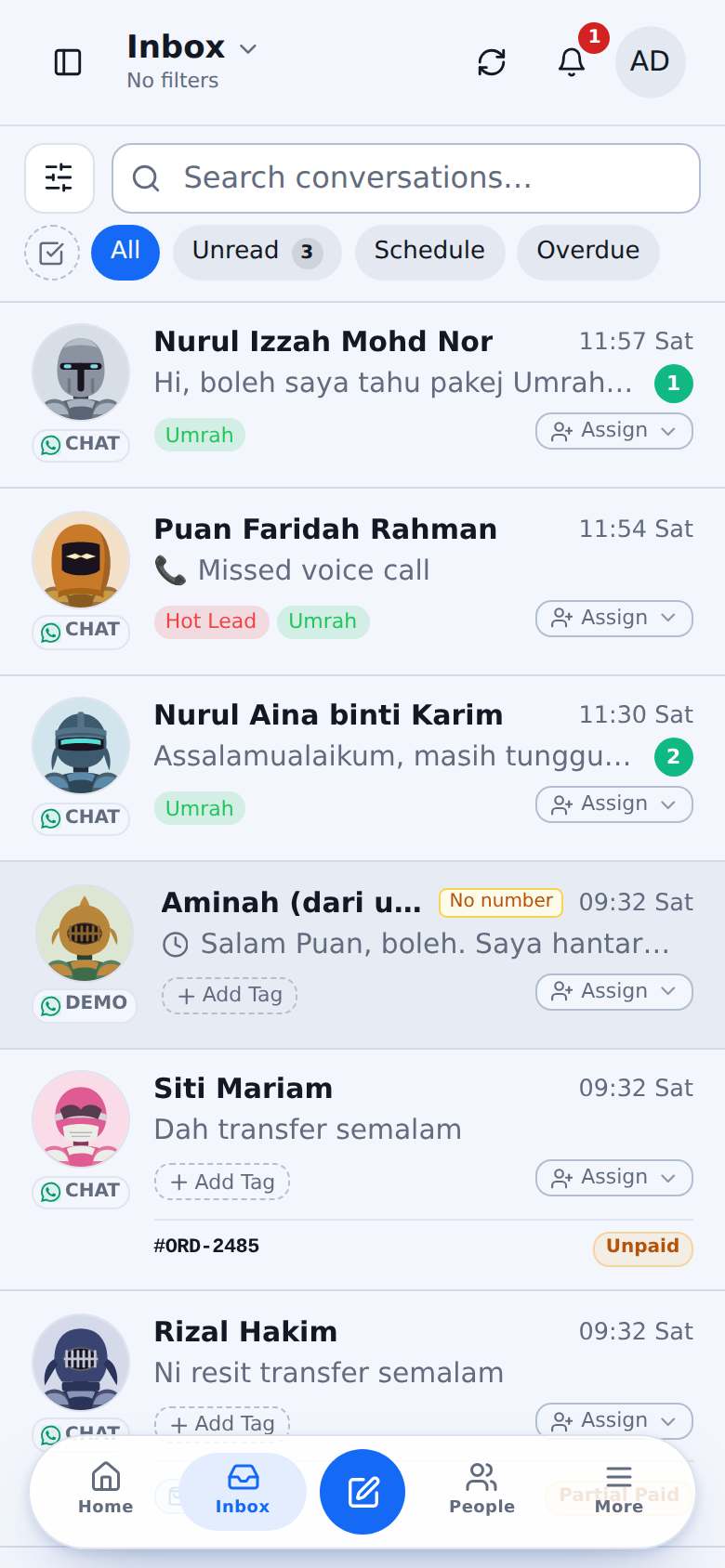
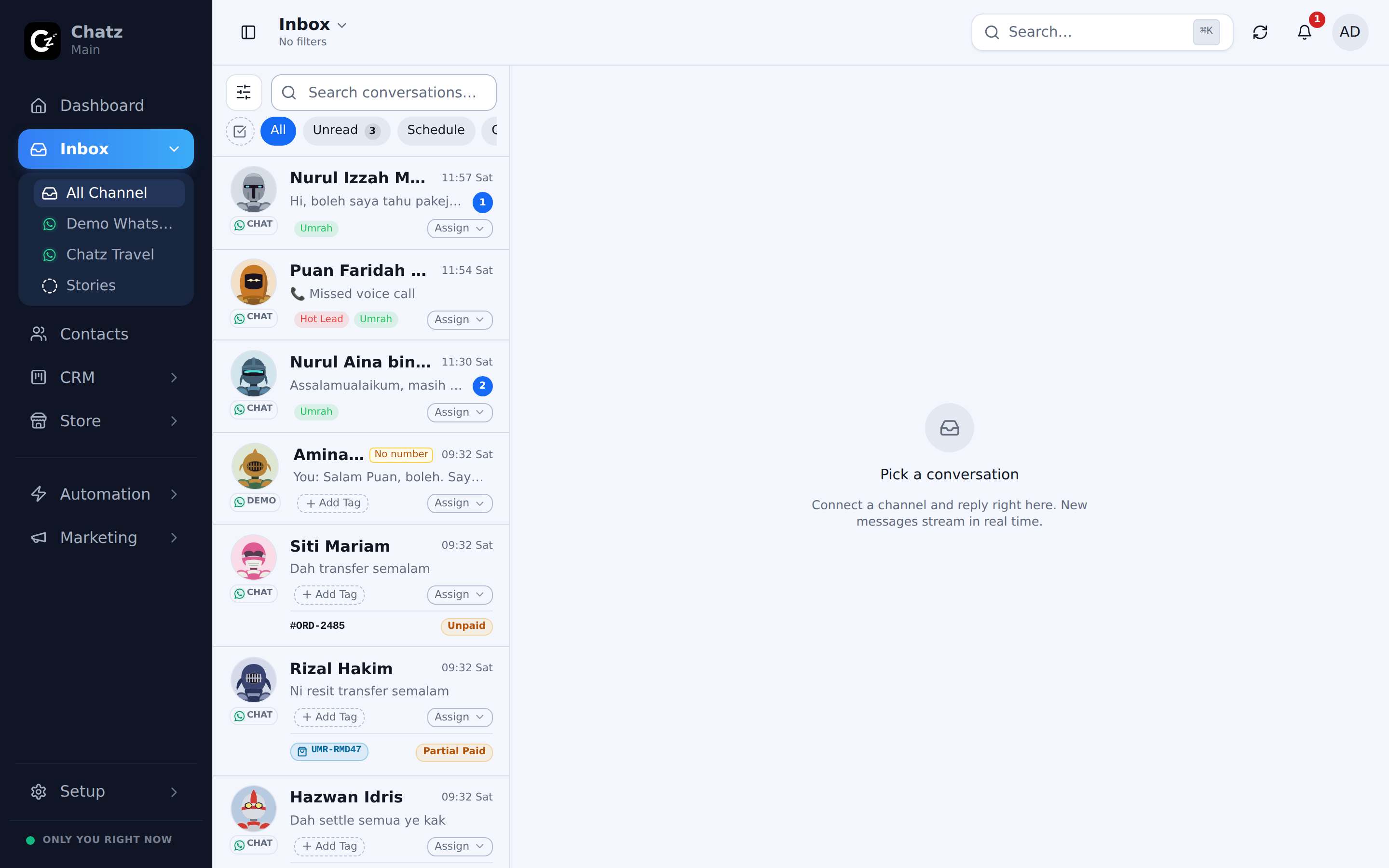
When somebody taps an ad, Chatz records the ad, the ad set and the campaign on the contact, and the thread carries an Ad tag from the first message.
- Ad name and campaign on the contact and in the inbox
- Start a different flow per ad, so each ad gets its own pitch
- Round-robin the ad leads to your sales team automatically
Spend, leads and sales on one board
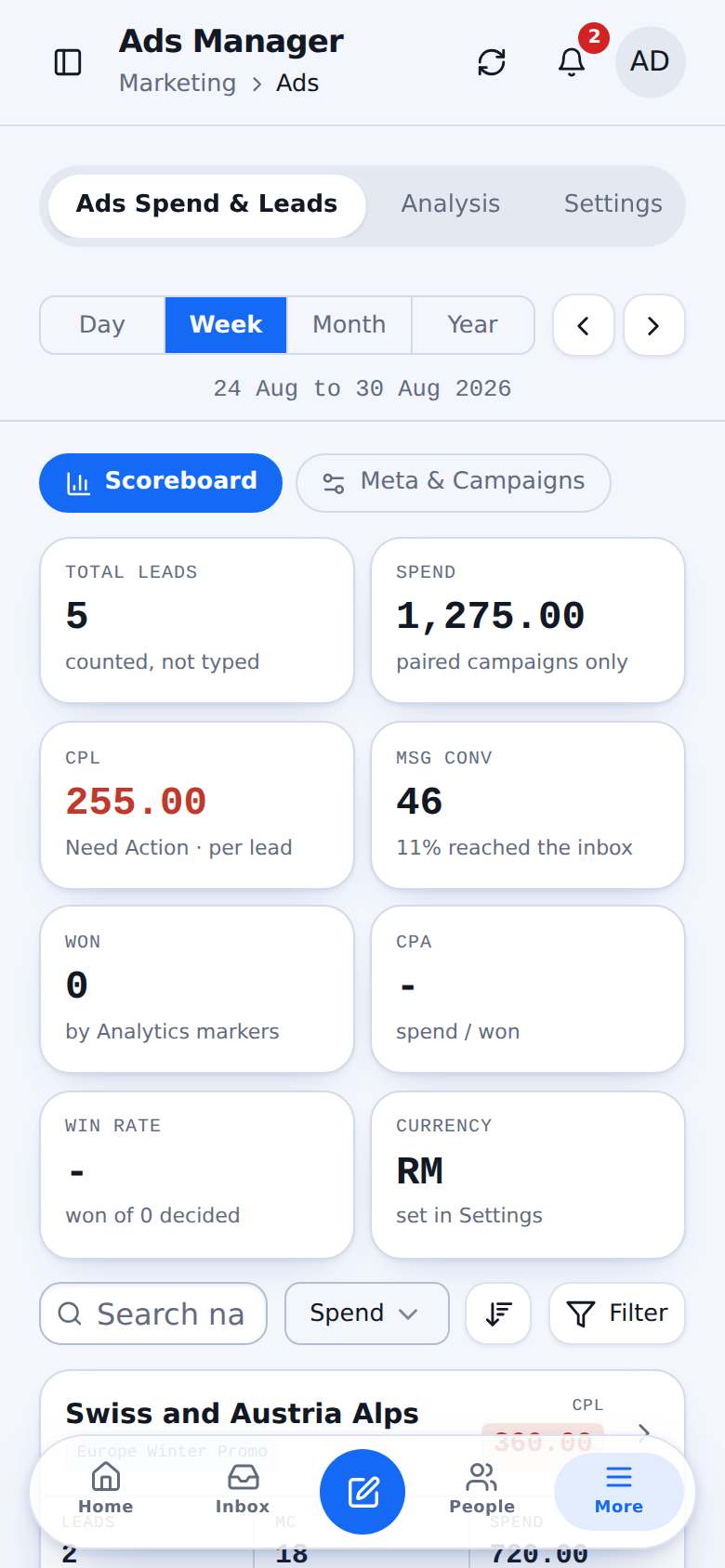
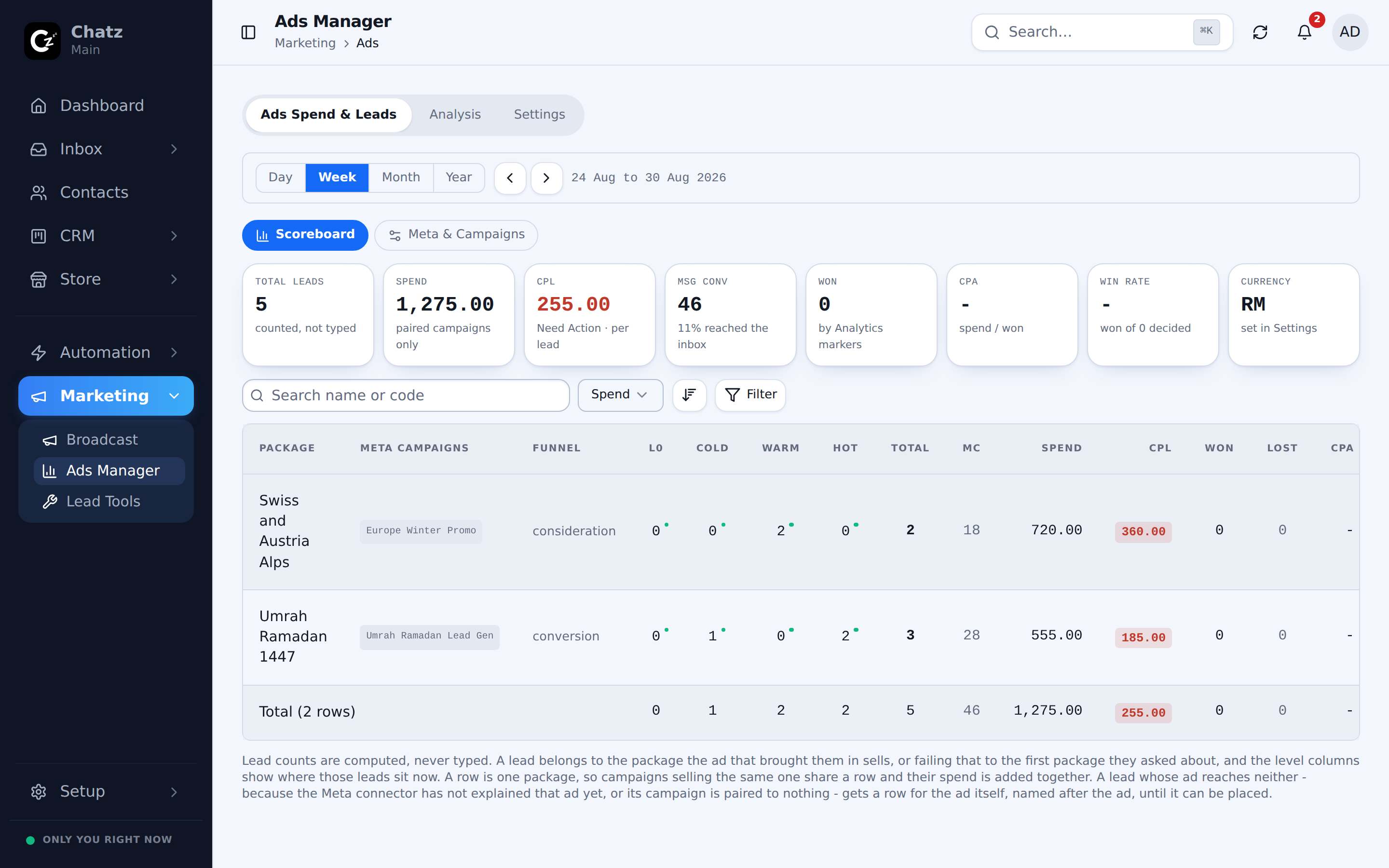
Chatz reads your Meta ad spend and lines it up against the leads each ad brought and the invoices they paid. Group campaigns by package, and read cost per lead against your own price bands.
- Daily, weekly, monthly and yearly views with a period stepper
- Cost per lead coloured against the bands you set
- Won and cost per acquisition from invoices, not guesses
- Pax-based cost for businesses that sell by the seat
Up to 7 days of free templates, and a list of who is in them
Reply to an ad lead within 24 hours and WhatsApp lets you send templates free for up to 7 days. Chatz lists every ad lead still inside that window, soonest to close first, so the follow-up goes out before it costs you.
- A dedicated tab for ad leads in the free template window
- A warning on Home when some lose it within six hours
- Send template opens the template picker in that chat
Up and running in three steps
- 1
Connect WhatsApp API and Meta Ads
Link your WhatsApp Business number and your ad account once.
- 2
Pick a flow per ad
Choose what each ad’s leads receive first, from a template or your own flow.
- 3
Watch cost per sale
Ads Manager fills in by itself as leads arrive and invoices are paid.
Questions people ask
Do I need the WhatsApp Business API for this?+
Ad attribution and the 7-day free template window come from the WhatsApp Business API (Cloud API).
Is the 7-day window exactly what Meta will charge?+
It is our estimate from your own messages. Meta’s invoice is what counts, and every screen that shows the window says so.
More ways Chatz helps
Ready to bring every conversation together?
Start free, connect your first number in minutes, and invite the team when you are ready.
No credit card required · Free 14-day trial