
From question to paid invoice, in the same chat
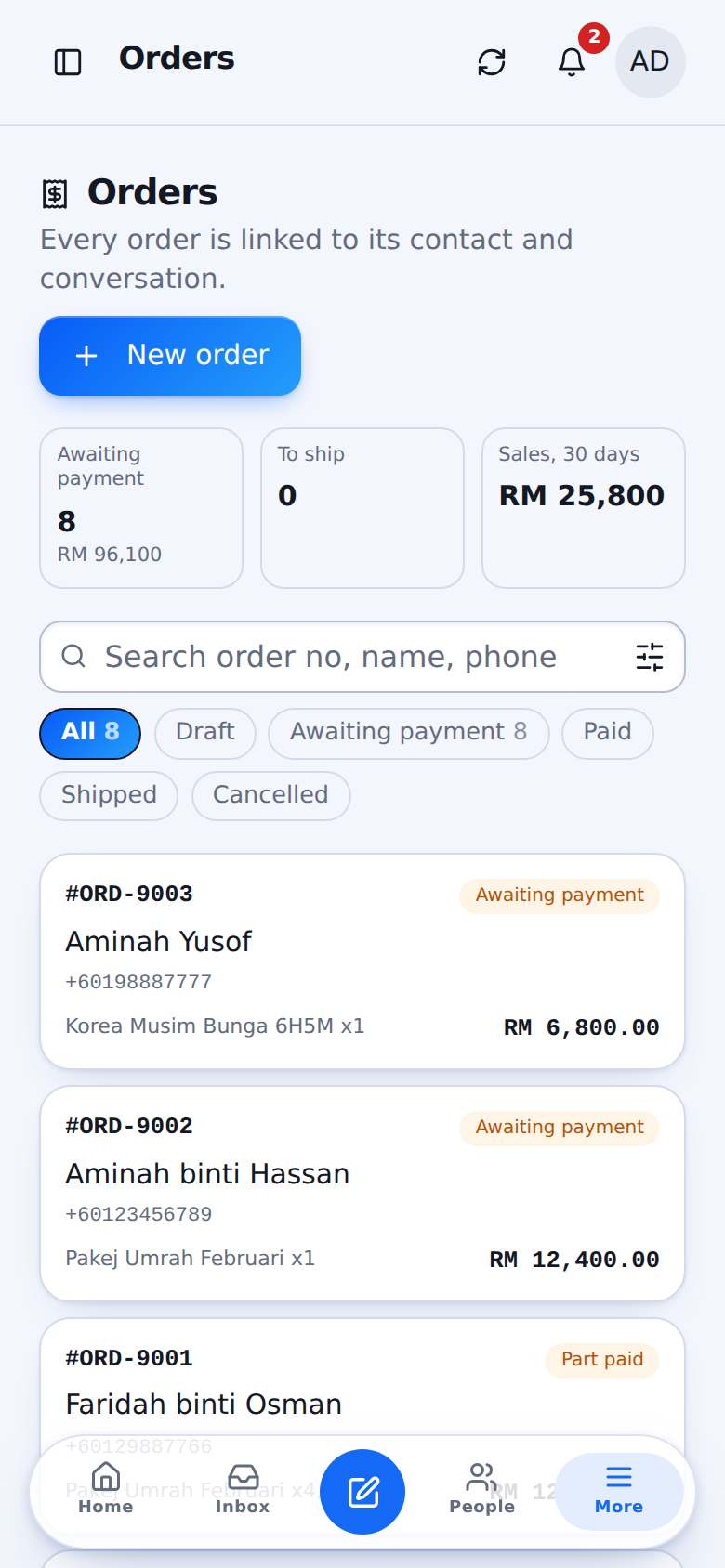
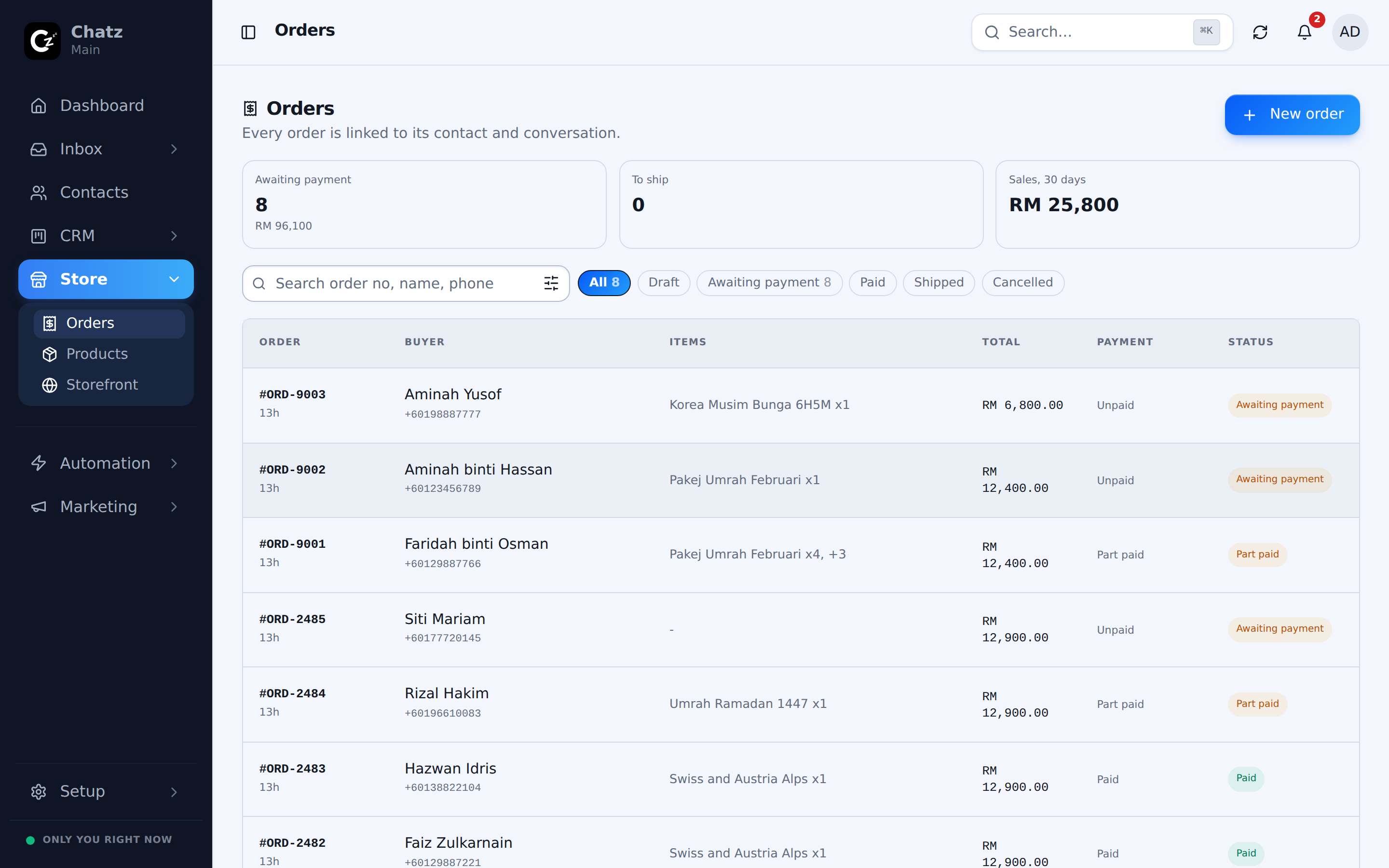
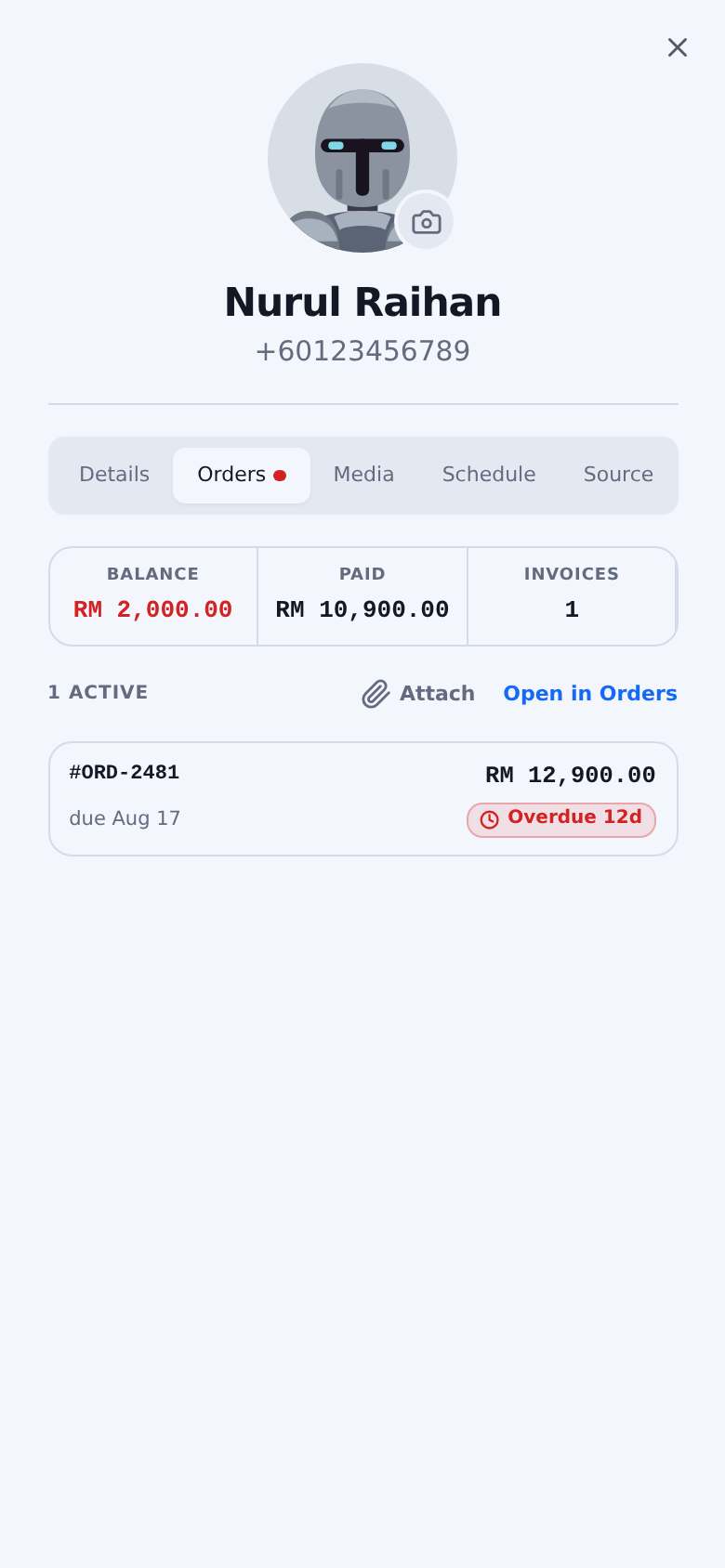
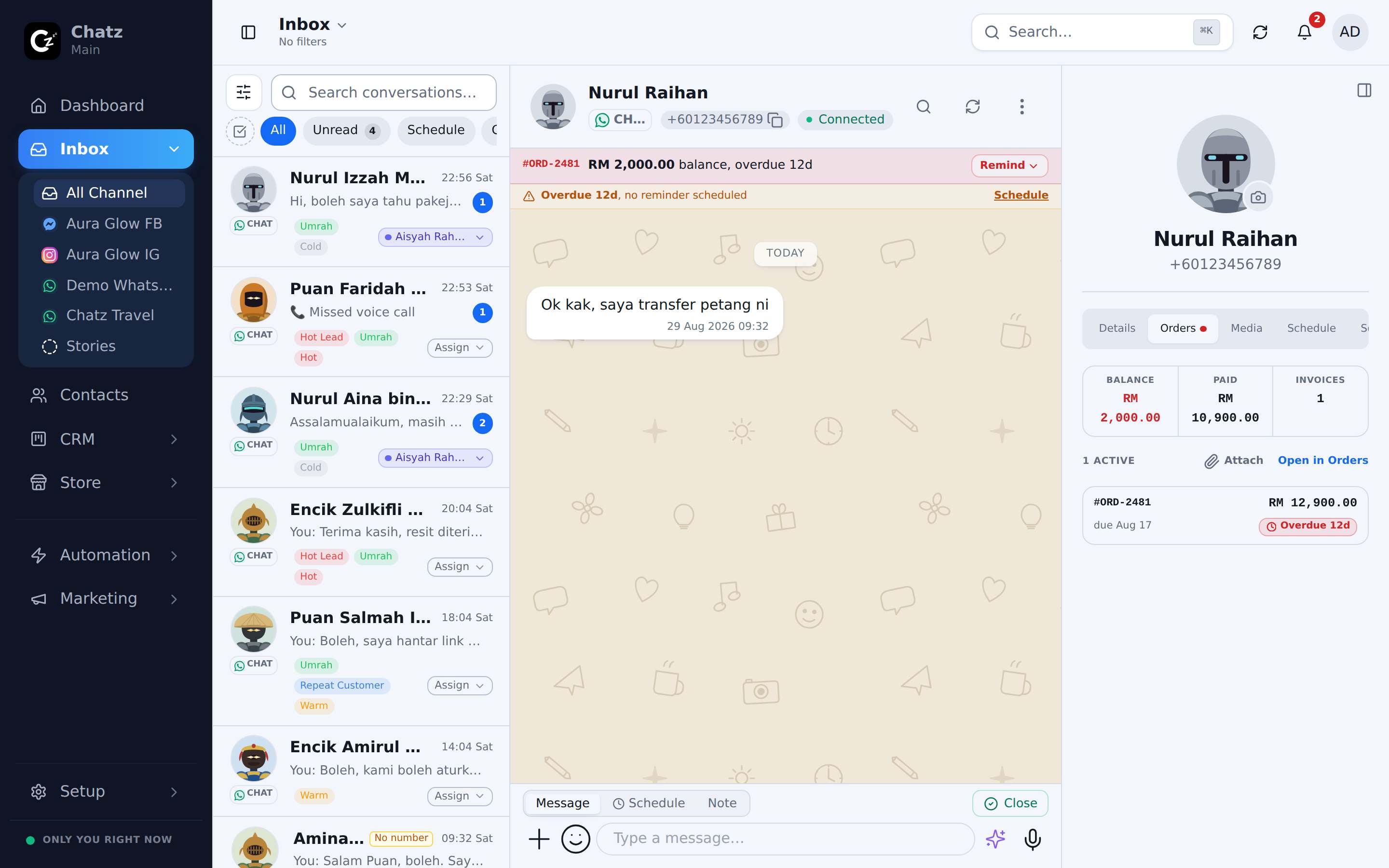
Send the package pitch in one tap, raise the invoice in the thread, and take payment through CHIP. The payment badge on the conversation updates itself, and paid invoices move the lead to Won.
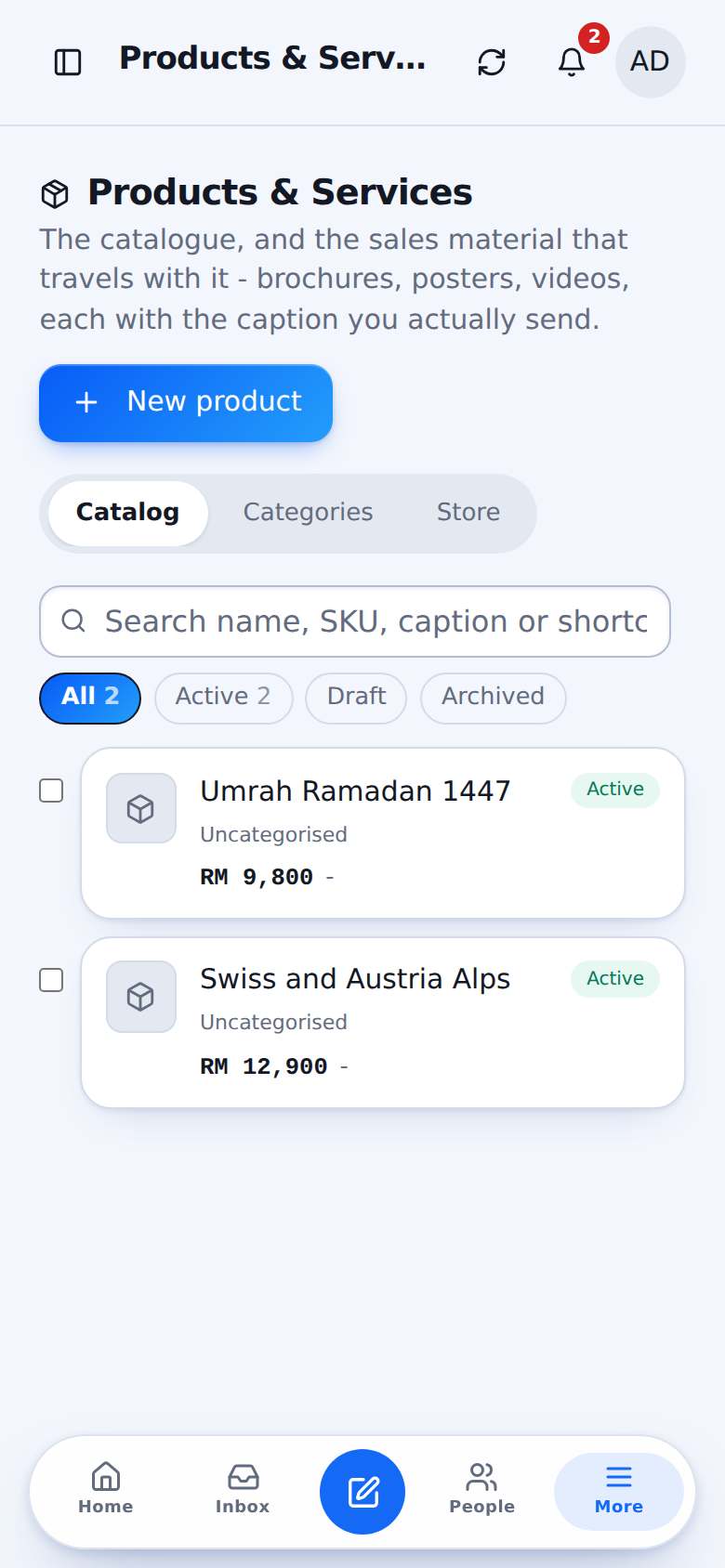
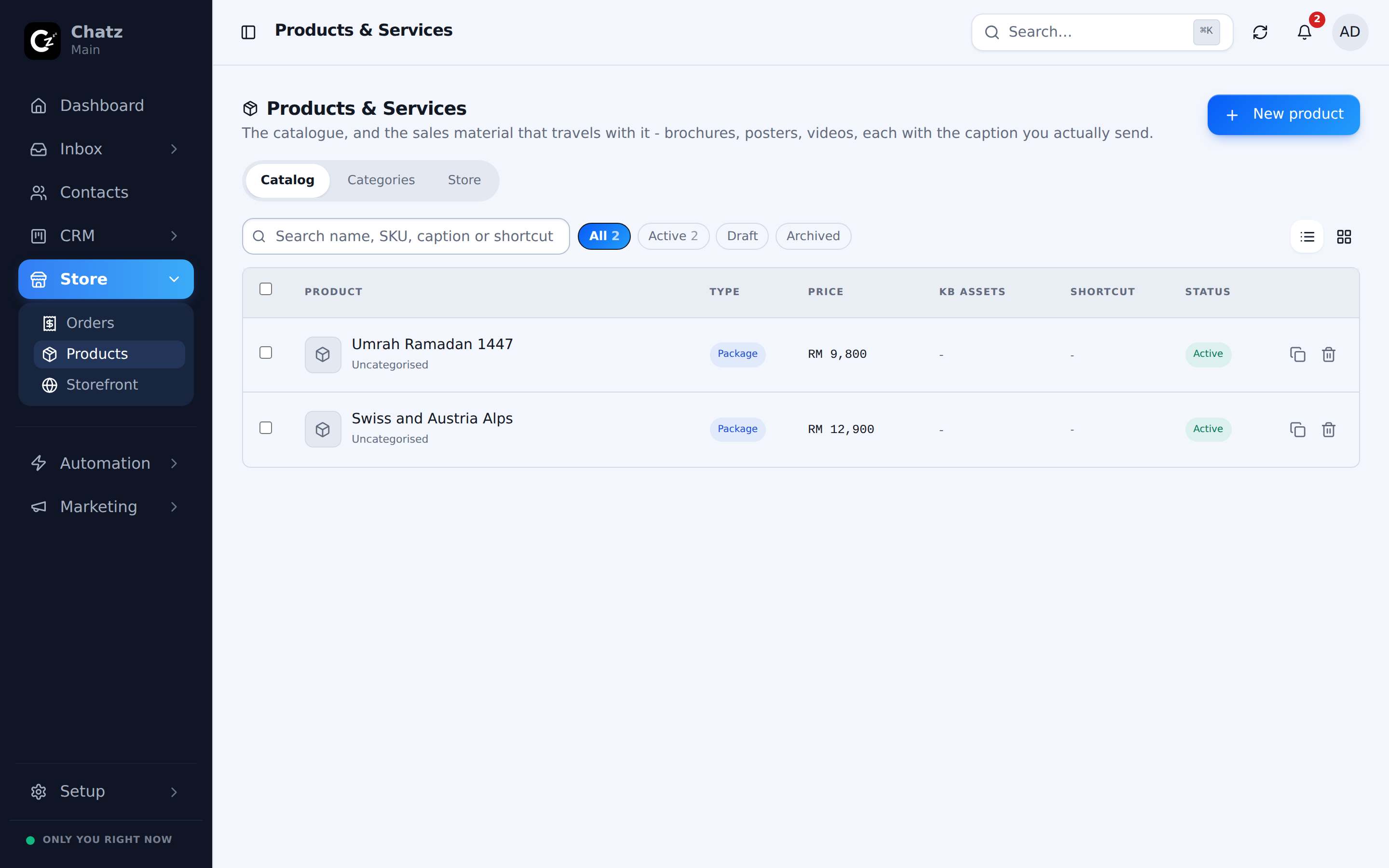
Your products, ready to send
Each product carries its brochure, caption and itinerary. Send it from the composer or from a flow, and keep it current in one place.
- A public storefront from the same catalogue
- Saved knowledge entries the AI also reads
- Variants and batches with their own groups
Deposits and instalments, tracked without a spreadsheet
Split an invoice into instalments, send the payment link, and let Chatz mark each one paid. The inbox row shows Unpaid, Partial or Paid, and overdue.
- Payment links through CHIP
- Receipts and payment history on the invoice
- Push invoices and receipts into Bukku
Up and running in three steps
- 1
Add products
Or import them from a spreadsheet.
- 2
Connect CHIP
Your own merchant account, your own money.
- 3
Invoice in the chat
Payment status updates itself.
Questions people ask
Does Chatz hold my customers’ money?+
No. Payments go to your own CHIP merchant account. Chatz records the payment against the invoice.
More ways Chatz helps
Ready to bring every conversation together?
Start free, connect your first number in minutes, and invite the team when you are ready.
No credit card required · Free 14-day trial