
Channels
Channels overview
Every channel type Chatz connects, and how to pick.
Channel types
Every conversation Chatz handles starts at a channel: a WhatsApp number, a social account or an inbox you connect under Channel. You can connect more than one, and the inbox reads all of them together, or filtered to just one, so growing a small WhatsApp-only setup into one covering Instagram, Messenger, reviews and email is a matter of adding channels rather than switching tools.
| Channel | Carries |
|---|---|
| WhatsApp Business API | The official Meta-partner API: templates, up to 6 months of imported history and channel management. |
| Direct messages and comments on your posts. | |
| Facebook Messenger | Conversations, comments and Page reviews. |
| Google Business Reviews | Reviews only, nothing else. |
| A dedicated email channel in the same inbox. |
ReadWhatsApp Business API and Instagram, Messenger and more for how to set each one up.
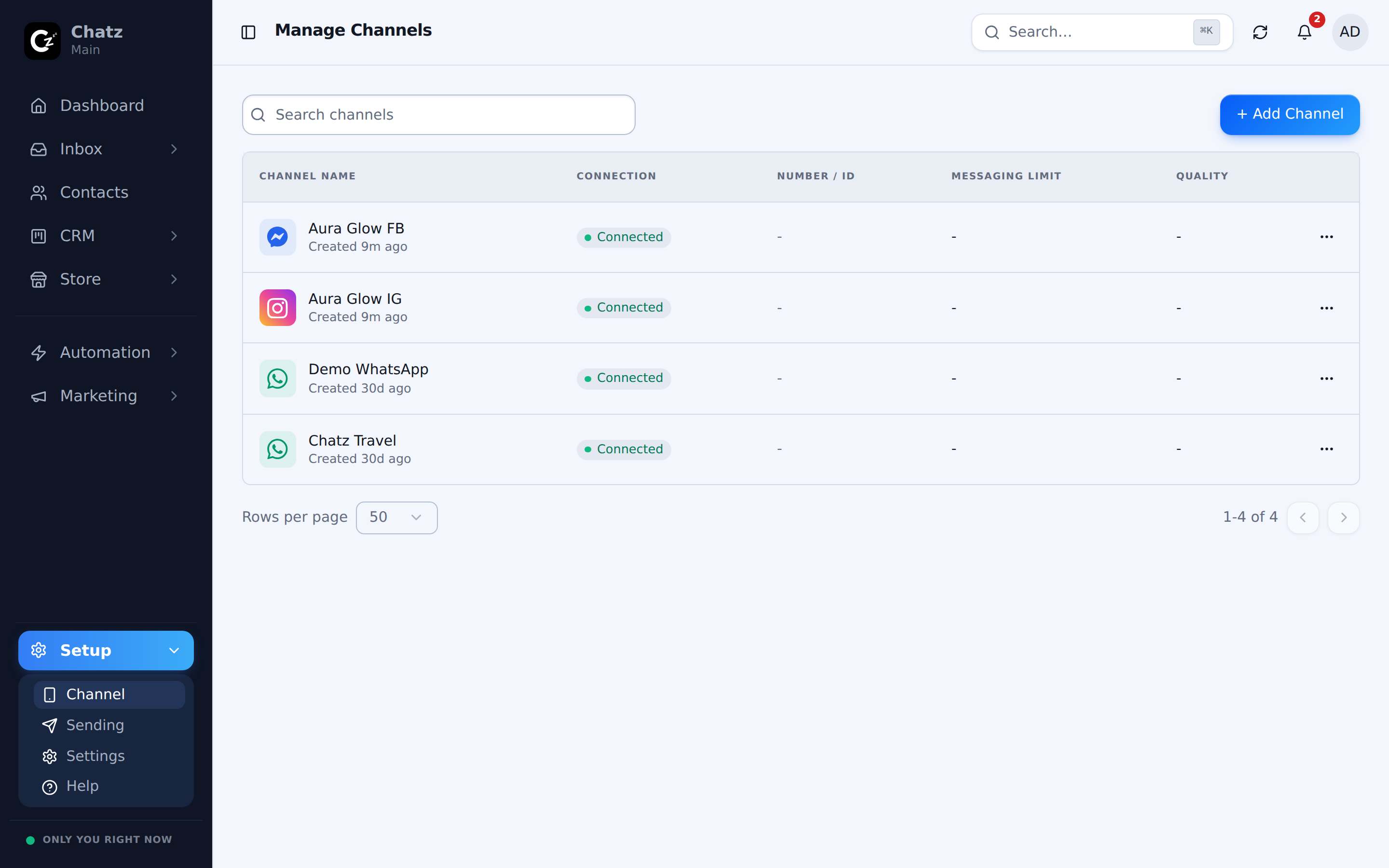
Who can add or delete a channel
Connecting a new channel and deleting an existing one are both gated to the Owner, Admin and Editor roles. An Agent can be given access to work inside a channel without being able to add or remove one, which keeps day to day replying open to your whole team while a channel connection itself, and the risk of disconnecting the wrong one, stays with people who manage the workspace. See Members and roles for the full breakdown.
The WhatsApp API console
Once your workspace has at least one WhatsApp Business API channel connected, a WhatsApp API row appears in the sidebar, next to Channel. It is not shown otherwise, since its tabs (usage, templates, store templates, the 24-hour window view) only mean something once an official channel exists. See WhatsApp Business API for what lives there.