
Marketing
Order forms
Shareable forms that turn a link into an order.
The public form
An order form is a standalone page you can share as a link, at chatz.my/form/<slug>, without sending anyone through your storefront or WhatsApp first. It works well as the link in a Facebook post, an SMS or a printed flyer, wherever you want a direct way for someone to order without a conversation.
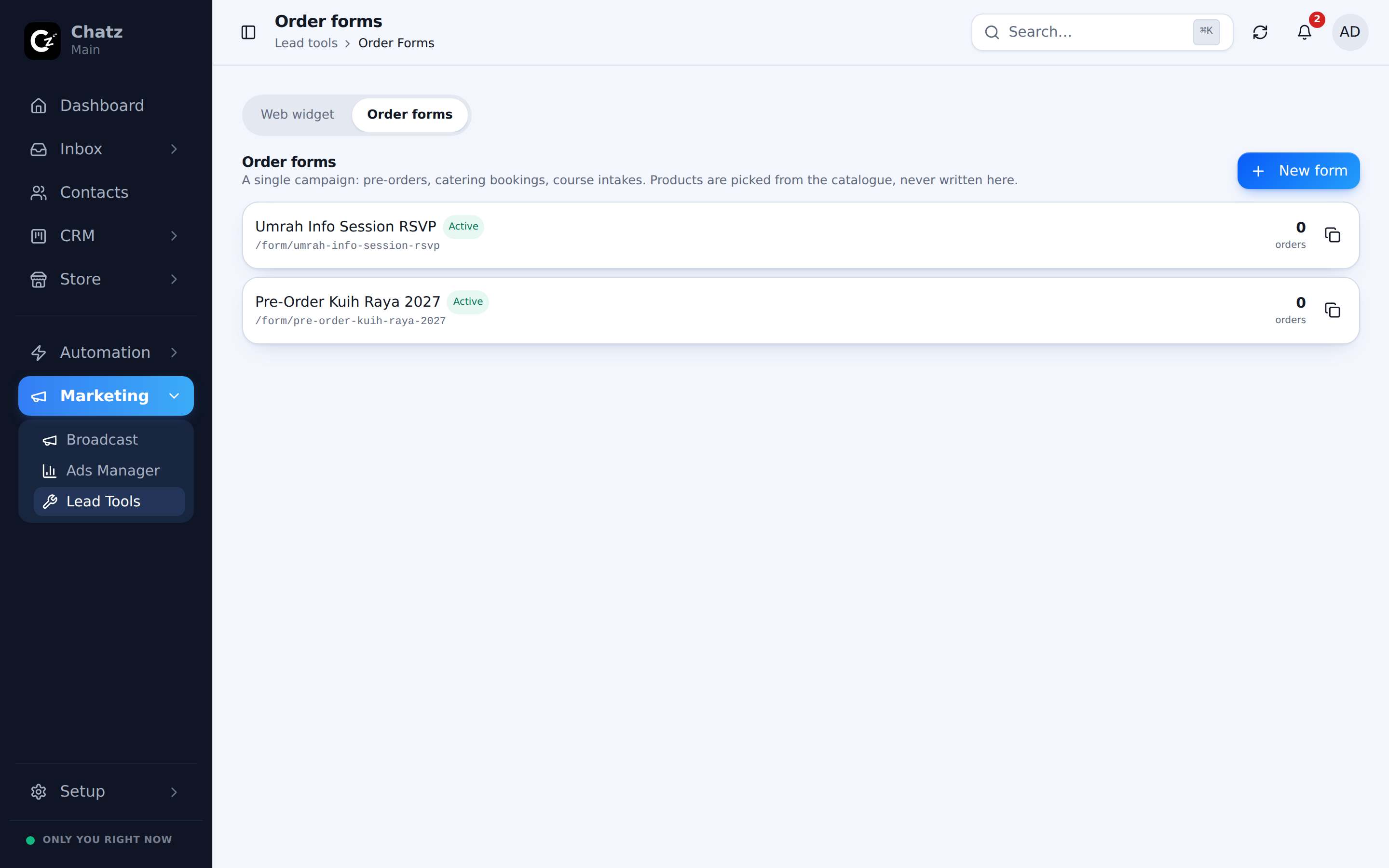
Curated products and questions
Unlike the full storefront, a form shows only the products you choose for it, which keeps a campaign focused on the item or package it was built to sell rather than your whole catalogue.
- Create the formUnder Marketing then Lead Tools, in the Order forms tab.
- Curate the productsAdd just the products you want this form to sell.
- Add custom questionsAsk for anything the order itself does not capture, like a delivery date or a size preference.
- Share the linkCopy the form's link and share it wherever your audience is.
Submissions become orders
When someone submits the form, it becomes an ordinary order, exactly as if it had been created from the Orders page or from a chat. It carries the products picked, the answers to your custom questions, and follows the same statuses and payment flow as any other order.
- No account or app is needed on the buyer's side, it is a plain public web page.
- Custom questions are answered once per submission and saved on the resulting order.