
Contacts and CRM
Custom fields
Store the details that matter to your business on every contact.
What custom fields are
The built-in details on a contact (name, phone, email) cover the basics, but every business tracks something of its own: a passport number, a loyalty tier, a preferred travel date. Custom fields let you add those to every contact, typed to match the data they hold, so the value is stored the same way for every contact and can be searched, filtered and reused. A travel agency might add a field for passport expiry or departure city; a retailer might add one for a preferred size or a delivery address, whatever your own list of contacts needs to carry.
Managing field definitions
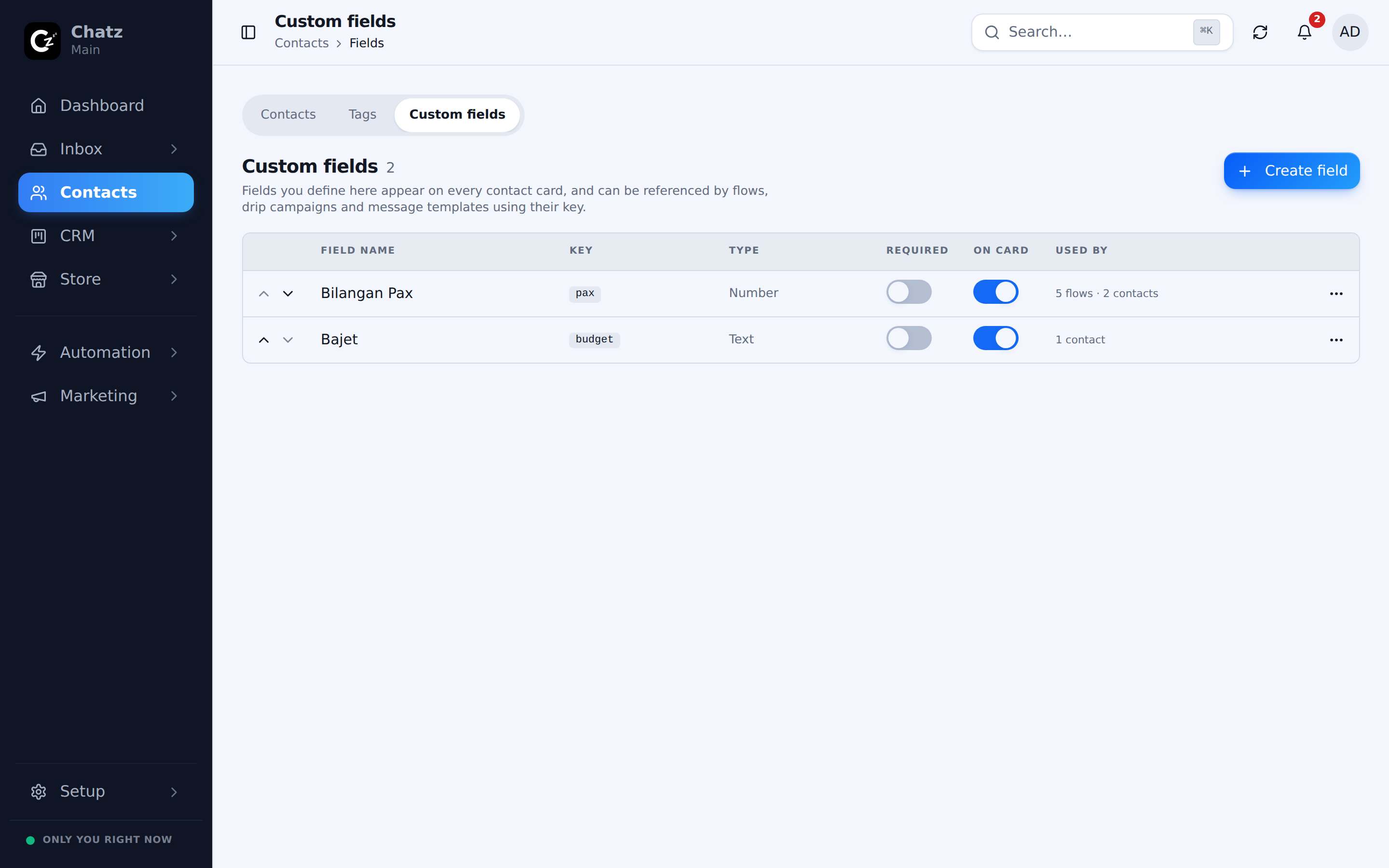
Field definitions live at Contacts then Fields. This is the workspace-wide list of what fields exist, not the values for any one contact, which you set from the contact drawer instead.
- Add a fieldGive it a name and a type, so Chatz knows to expect a date, a number, a short text value and so on.
- Edit a fieldChange its name or settings at any time; existing values keep their place.
- Reorder fieldsDrag fields into the order you want them to appear in the contact drawer.
- Archive a fieldRemove a field from use without deleting the values already recorded against it.
Where values appear
Once a field exists, its value shows in the drawer of every contact, next to the built-in details. From there it does two more jobs:
In an automation flow or a broadcast, a custom field is available as a merge tag, so a message can reference a field like {{departure_date}} and have Chatz fill in the right value for each contact. Because the value is typed, you can also filter or build a broadcast audience by it, the same way you would by name or tag.