
Inbox
Stories
View and post WhatsApp status updates from Chatz.
The stories feed
Stories sits under Inbox in the sidebar and shows the WhatsApp status posts your contacts have put up: the same status updates you would see inside the WhatsApp app, but gathered in one feed alongside the rest of your customer conversations. It saves your team from switching to a phone just to see what a lead has been posting, and it is one more place a customer might mention something worth following up on.
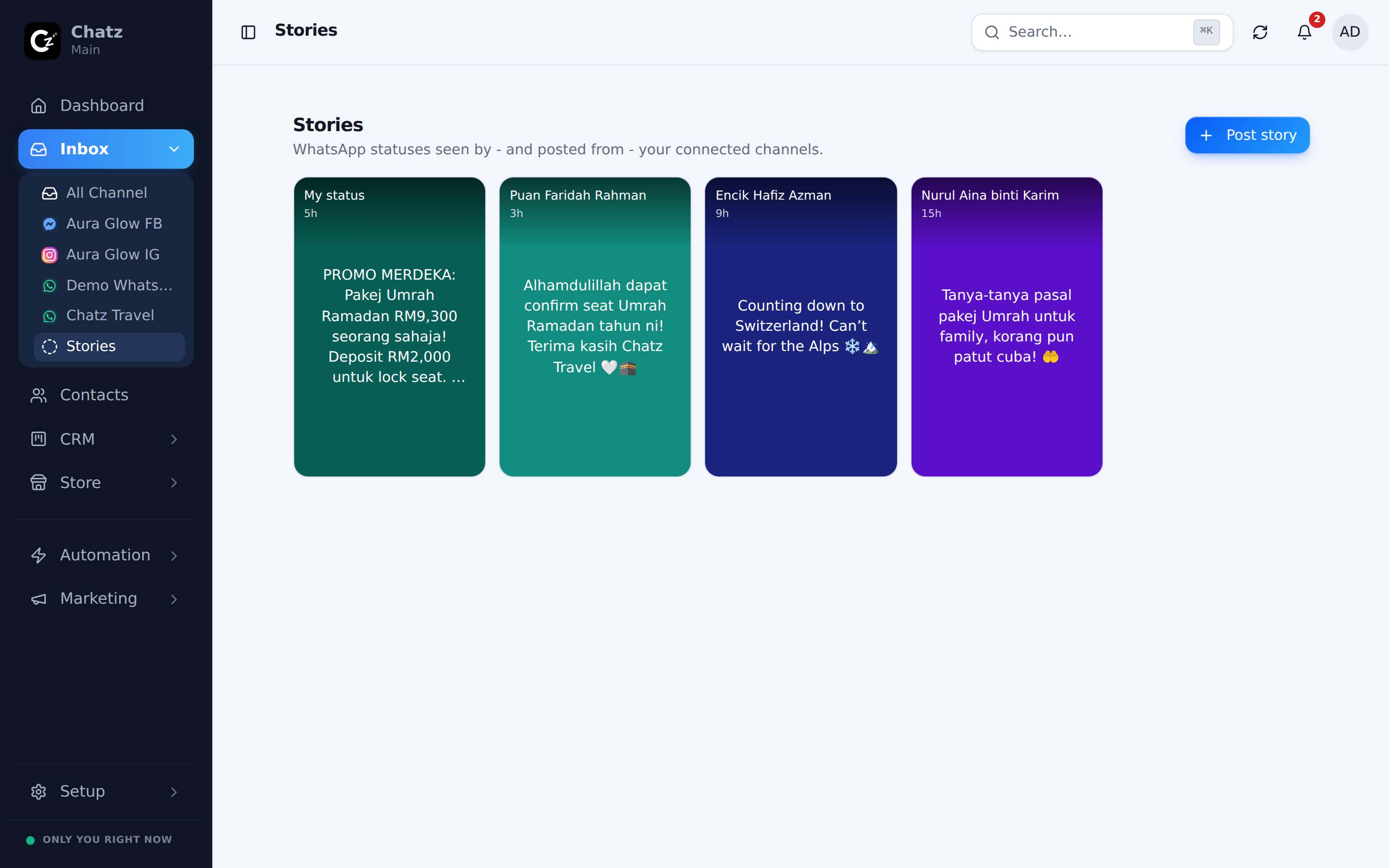
Posting a story
Chatz can post your own status too, either text, an image, or a video, from whichever connected channel you choose. It is a quick way to reach every contact who has your number saved without writing a broadcast: a new arrival, a limited stock drop, an office hours change, whatever is worth a glance rather than a message in someone's inbox.
- Open StoriesFrom the sidebar under Inbox.
- Start a new storyChoose text, an image or a video, and the channel to post it from.
- PostThe story goes up on that number's WhatsApp status, visible to your contacts.
Replying through DM
Replying to a story someone posted turns into a normal direct message: your reply lands in the same inbox as every other conversation with that contact, quoting the story it answers. Nothing about a story reply behaves differently once it becomes a chat, so it picks up the same assignment, tags and history as any other conversation with that person.