
Getting started
Tour the app
The sidebar, the mobile dock and where everything lives.
The sidebar
Everything in Chatz sits behind a handful of groups in the sidebar, in roughly the order you will use them: Dashboard, Inbox, Contacts, CRM, Store, Automation, Marketing and Setup. Inbox expands to show All Channel, a row per connected channel and Stories. Setup holds Channel, WhatsApp API (only once a Business API channel exists), Sending, Settings and Help.
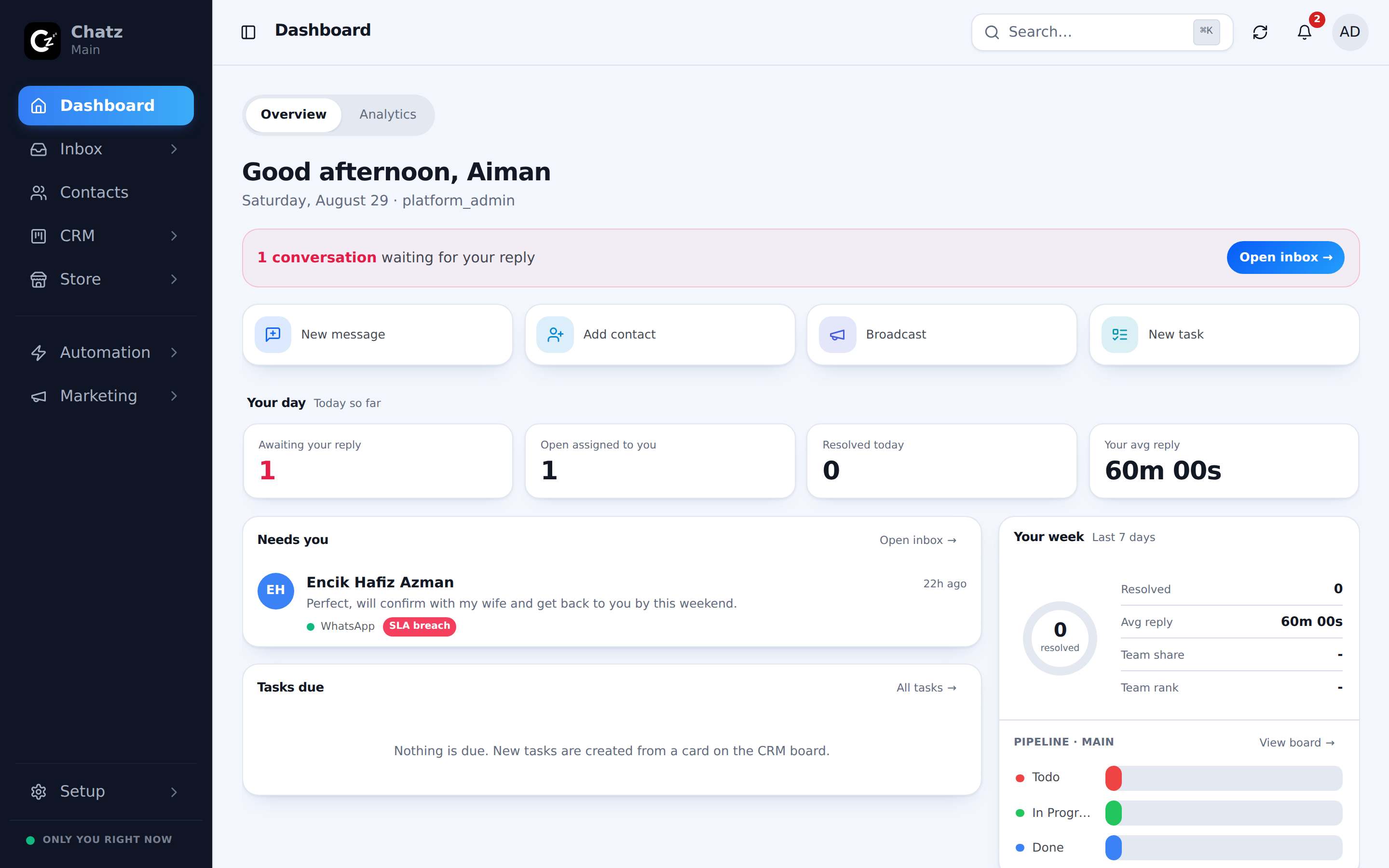
The Calls page has no row of its own. Reach it from a missed-call notification, or go straight to /calls.
The mobile dock
On a phone the sidebar collapses into a bottom dock with five stops: Home, Inbox, a center button to start a New message, People (your contacts) and More for everything else. The dock stays on screen as you scroll a list, so the next module is always one tap away.
The top bar
Three things live in the top bar wherever you are in the app: a search field, the bell for notifications, and your profile menu. Search finds contacts, conversations and other records without leaving the page you are on. The bell shows unread counts across chat, mentions, missed calls and system notices. The profile menu holds your account, the language switch and, on a phone browser, the install prompt.
Renaming store labels
Chatz was built for far more than one kind of business, so the words Products, Orders and Store are relabelled per workspace. A travel agency can rename them to Packages and Bookings; another business might prefer Services and Jobs. The underlying feature does not change, only the words your team sees in the sidebar. Set this from Settings.
Install and language
Chatz installs as an app on a phone straight from the browser, so it sits on the home screen and opens like a native app, with push notifications once installed. The interface chrome (menus, buttons, labels) is available in English and Bahasa Malaysia, switched from the profile menu; this changes the app around you, not the content of your conversations.