
Store
Storefront
A public shop page customers browse and order from.
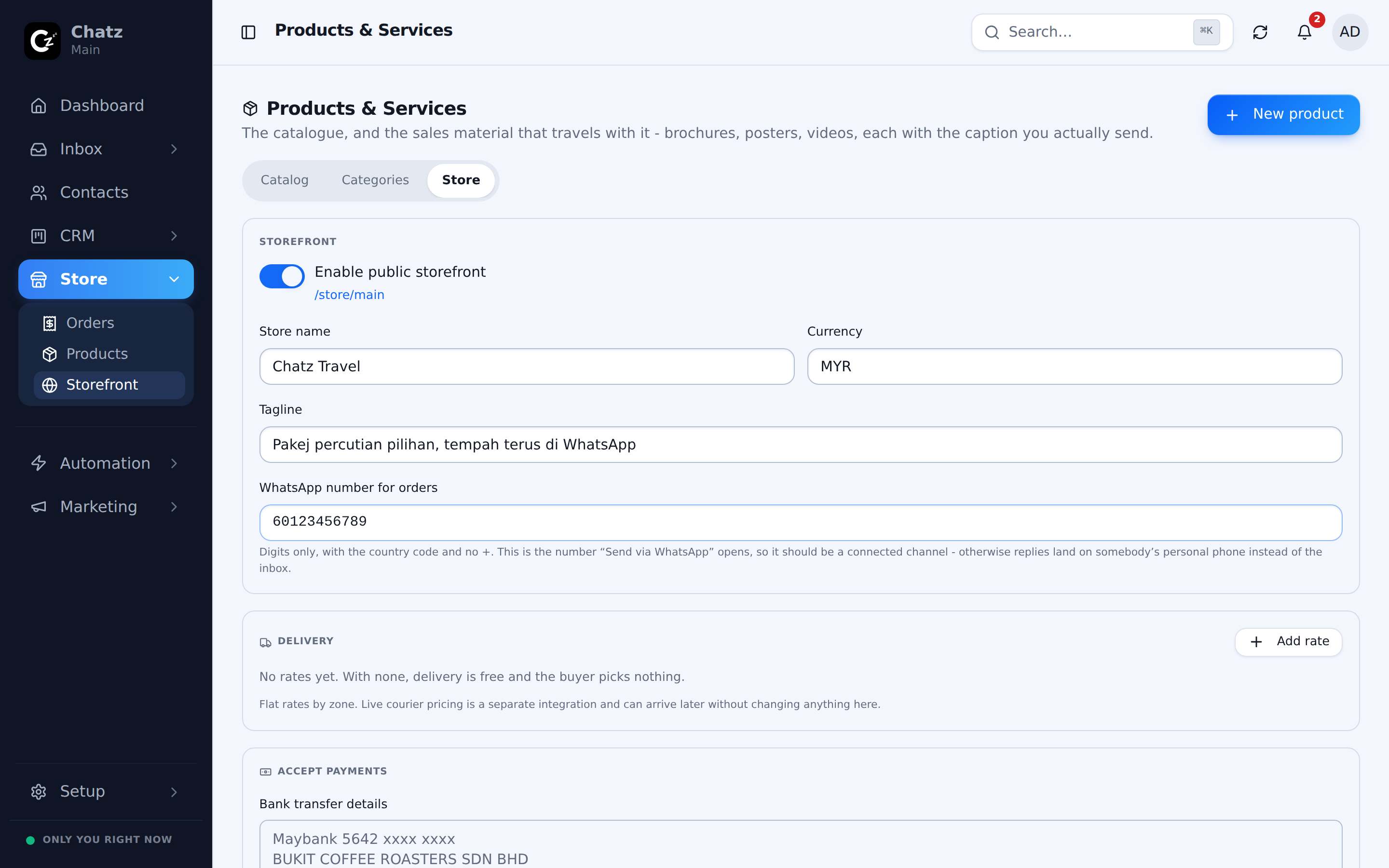
The public shop
Every workspace gets a public storefront at chatz.my/store/<workspace>, built automatically from the products you have marked visible on the Store tab of your catalogue. There is nothing extra to publish, add a product and mark it visible, and it appears on your storefront.
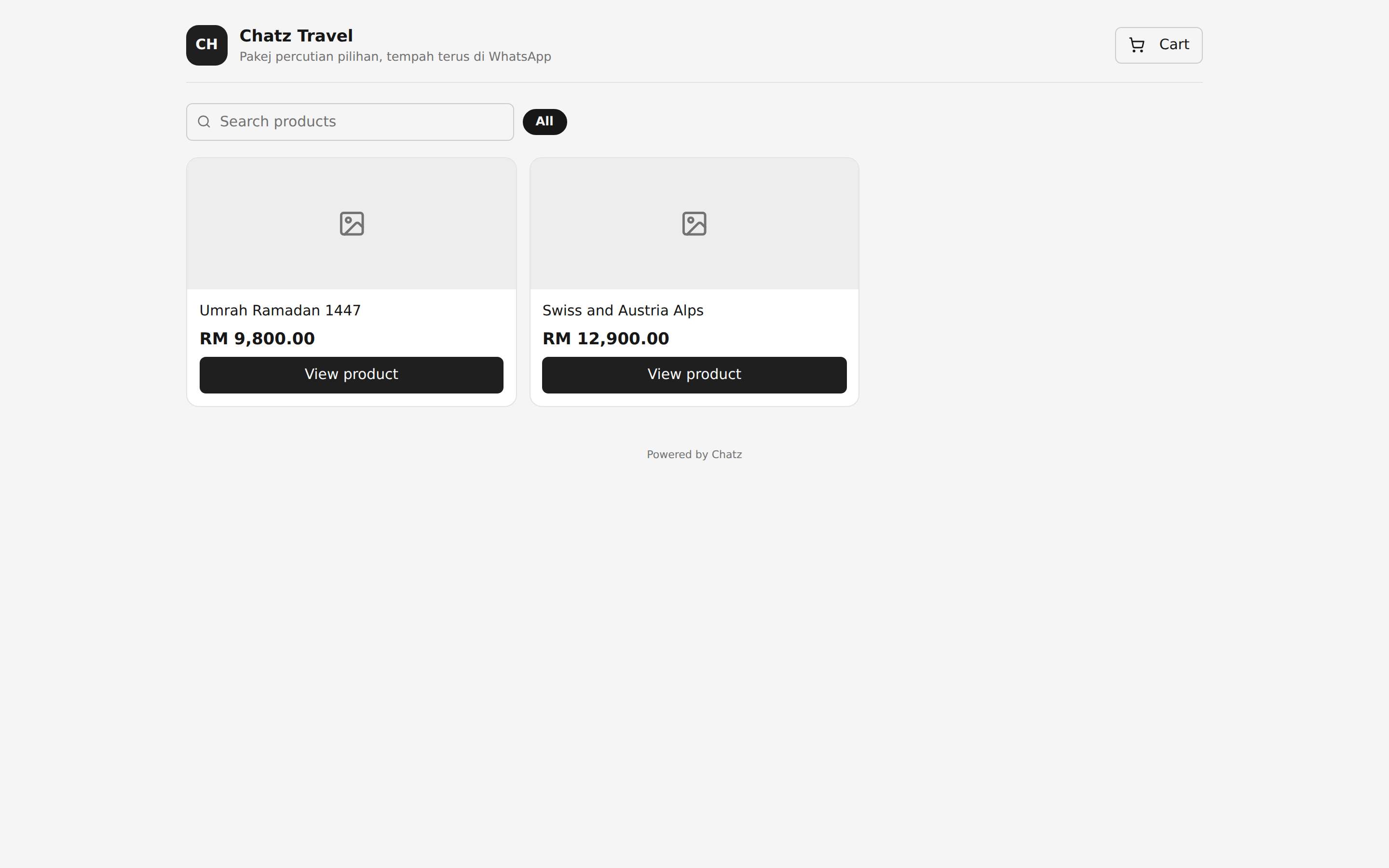
Browsing and cart
A visitor can search and browse your storefront like any online shop, adding items to a cart before checking out. Categories and product groupings you set up in the catalogue carry through to how the storefront organises itself.
Checkout paths
From the cart, a customer checks out either through WhatsApp, which drops them into a conversation with your order already summarised for a human or a chatbot to pick up, or by paying online directly if you have a payment gateway connected. See Payments for how the two payment options work.
- The storefront reflects live catalogue and pricing, there is nothing to keep in sync by hand.
- Every checkout, whichever path, becomes an order on your Orders page.