Getting started
Register your account
Create your Chatz workspace and confirm your email.
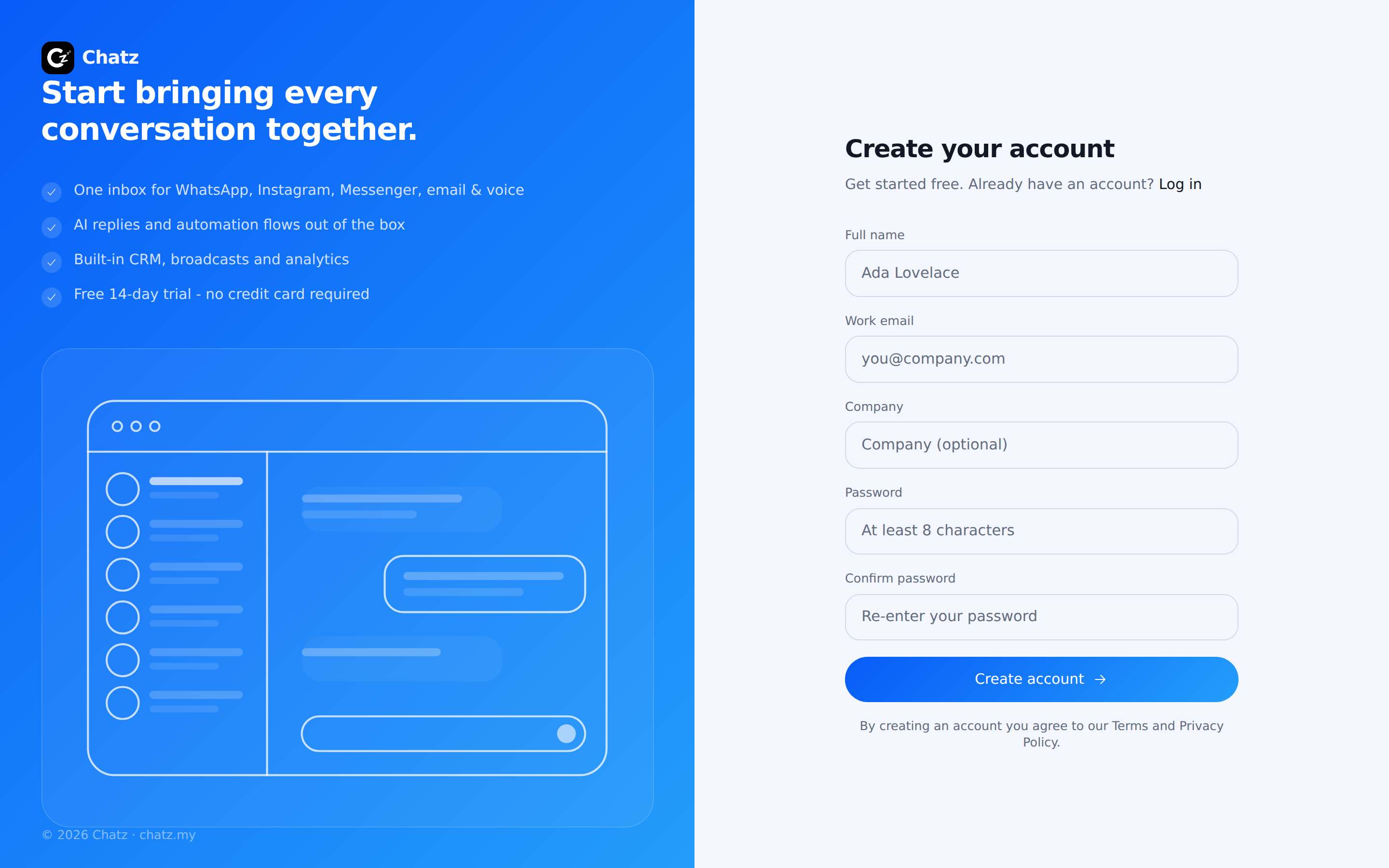
Create your account
Registering takes about two minutes. The account you create owns a new workspace, and you can invite your team into it afterwards.
- Open the registration pageGo to app.chatz.my/register, or press Get started on chatz.my. If you arrived from the pricing page, the plan you clicked is carried along.
- Fill in your detailsYour name, email, company (optional) and a password. You can also continue with Google or Apple and skip the password entirely.
- Press Sign upChatz sends a confirmation email to the address you entered.
Confirm your email
Open the email from Chatz and press the confirmation link. The link signs you in and drops you into onboarding, where the one thing left to do is connect WhatsApp. If the email does not arrive, check spam, then use the resend link on the sign-in page.
Pick a plan
After confirming, you choose a plan. Picking a paid plan takes you to CHIP to pay, and the plan starts as soon as the payment clears. Every new workspace also starts with a 14-day trial and nothing is charged until you decide to pay; there is a Free plan for a single seat. You can change plans at any time under Settings then Billing.
Signing in later
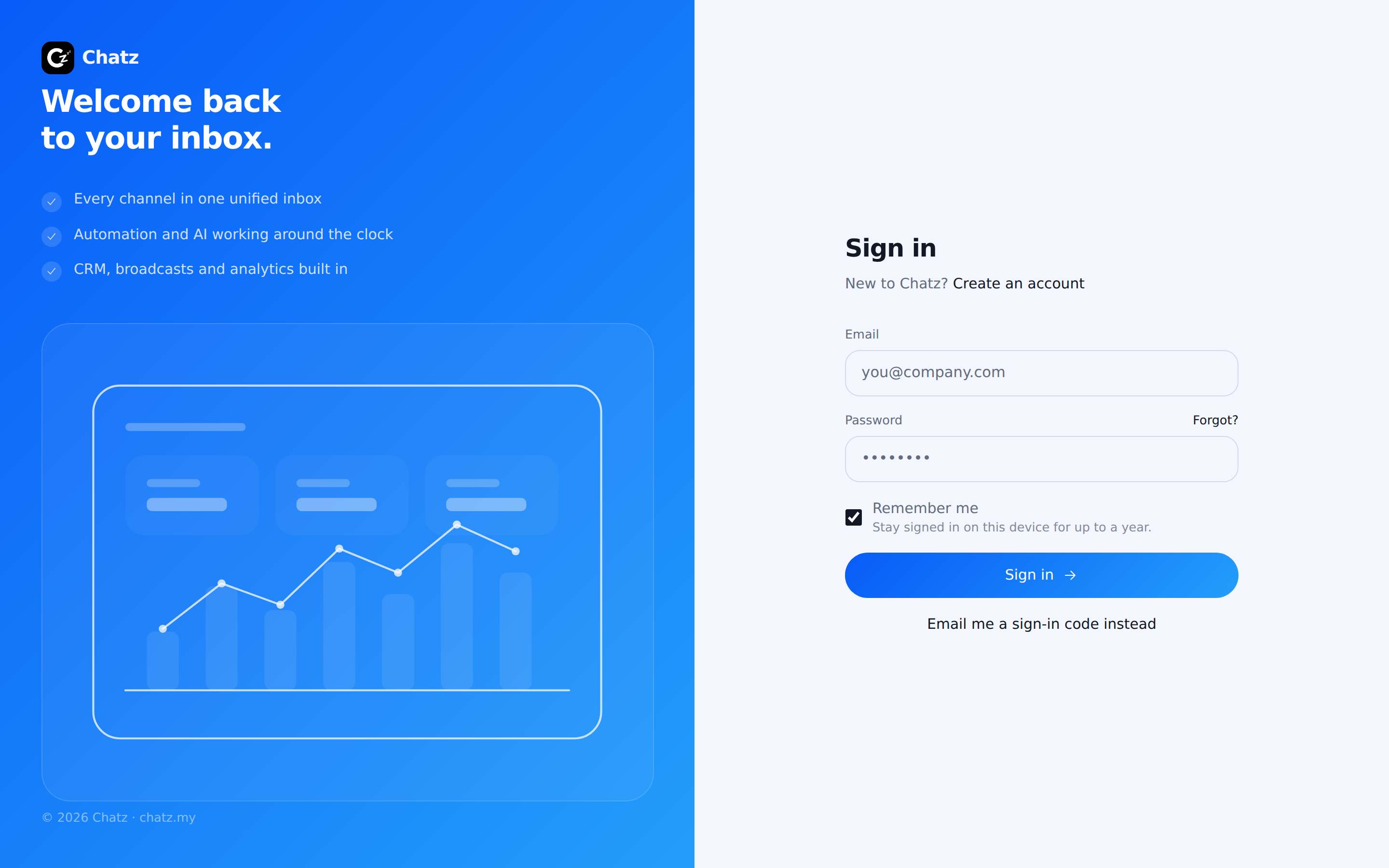
Sign in at app.chatz.my/login with your password, with Google or Apple, or with a one-time code: press Email me a sign-in code instead and Chatz sends a 6-digit code that is valid for 10 minutes. Forgot your password? The Forgot password link sends a reset email.