
Contacts and CRM
Tags and tag groups
Label contacts and conversations so you can find and target them.
Tags on contacts and conversations
A tag is a short label you attach to a contact or to a conversation in the inbox, so you can find or act on a group of them later. Add tags from the contact drawer, from the bulk-select toolbar in the inbox, or one at a time on the conversation you are reading.
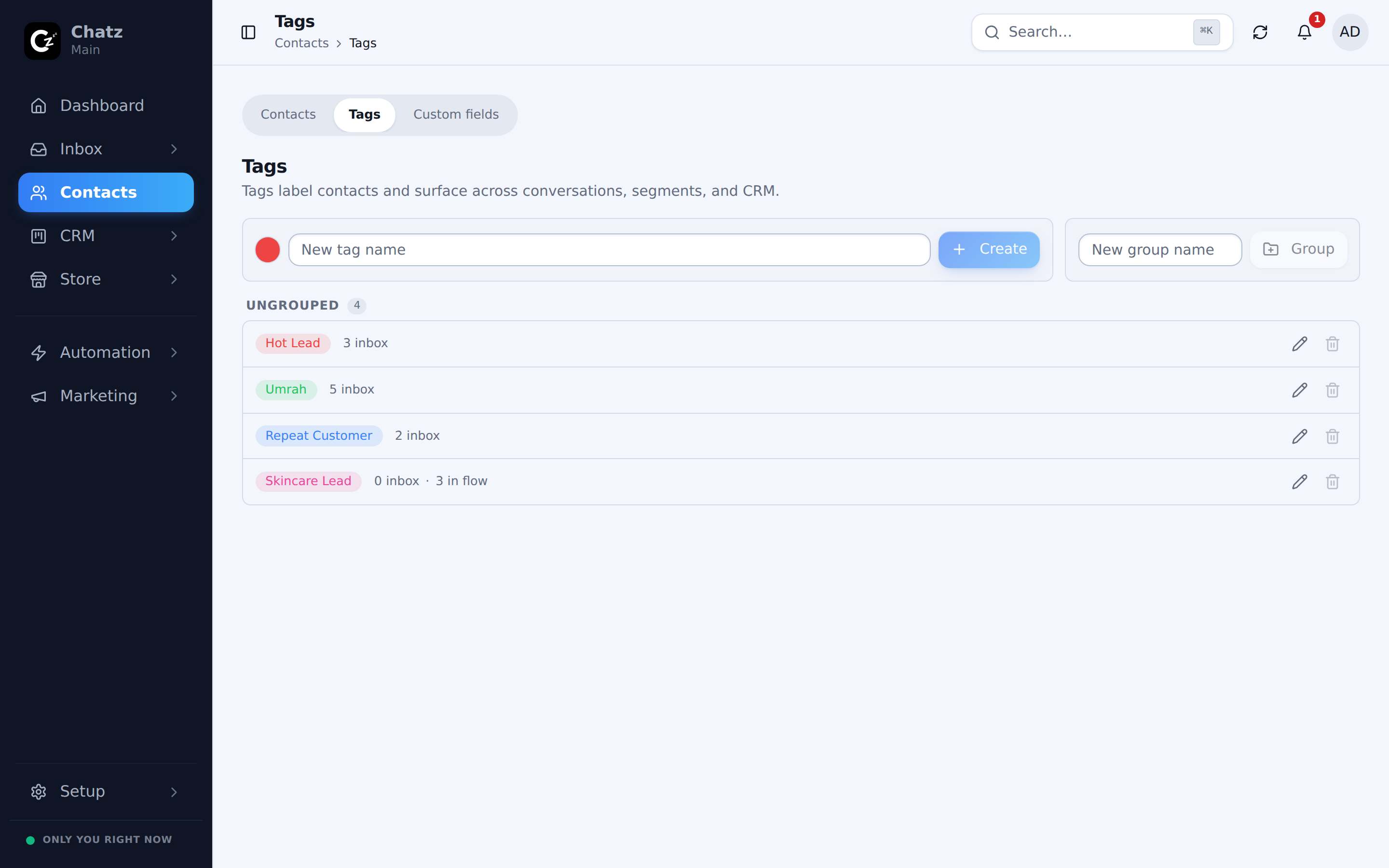
Tag groups and colors
Manage the full set at Contacts then Tags. Create, edit and delete tags here, and organise related ones into a tag group, for example separating trip types from lead stages instead of one long flat list. Each tag also gets a color, so the busiest ones stand out at a glance in the contact drawer and the inbox filter rail. The Tags page shows a usage count next to each one, so you can see how much a tag is actually being used before you rename or remove it.
Cleaning up duplicate tags
Tags created by different teammates can end up meaning the same thing with different spelling, like VIP and vip customer. The dedupe tool on the Tags page finds tags like this and lets you combine them into one, moving every contact and conversation that carried the old tag over to the tag you keep.
Using tags for audiences and filters
Once a contact carries a tag, you can build on it in two places:
- In the inbox, the Tags filter narrows the conversation list to only tagged contacts, which is how a teammate finds everyone interested in a particular package without scrolling the whole list.
- In a broadcast, you can target the audience by tag instead of sending to every contact, so a promotion reaches only the people it is relevant to.