
Numbers the whole team agrees on
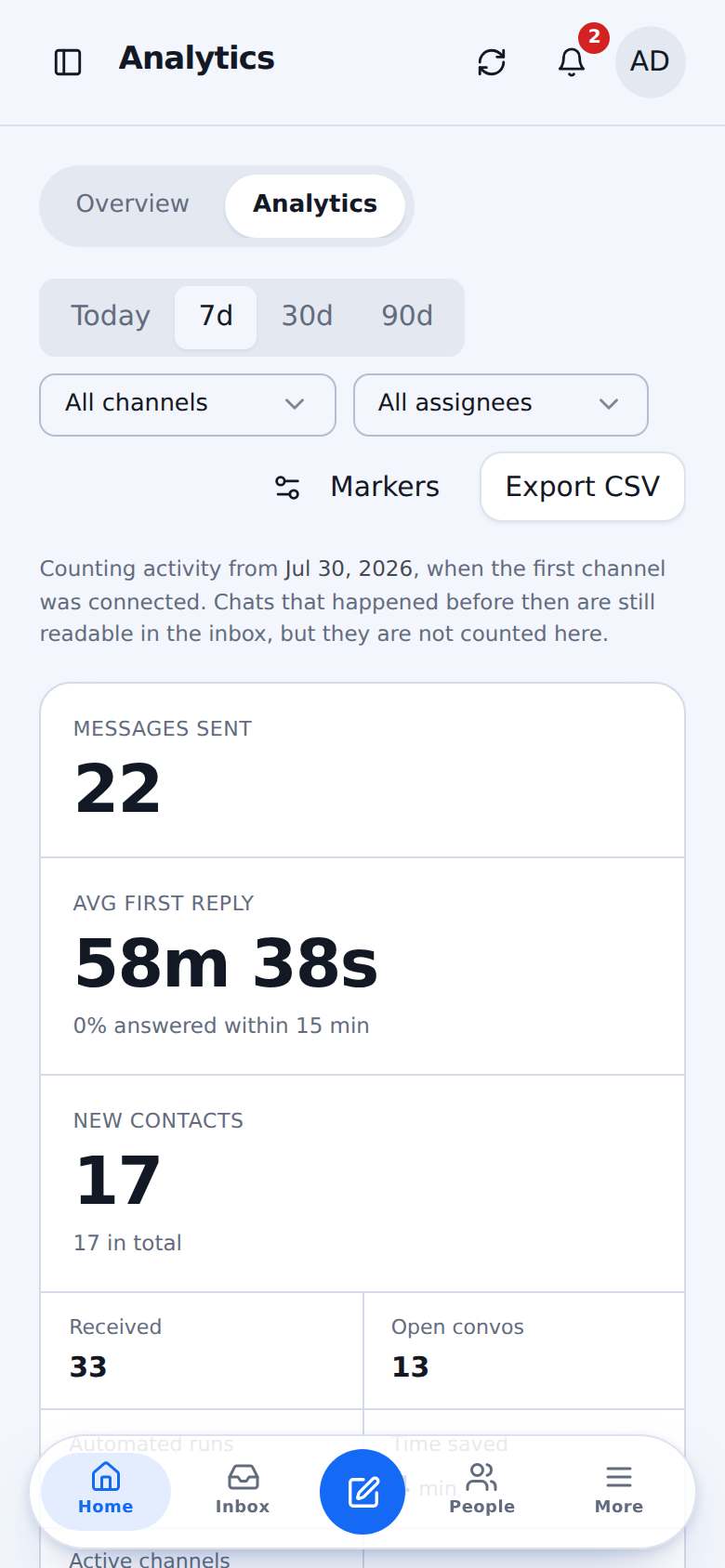
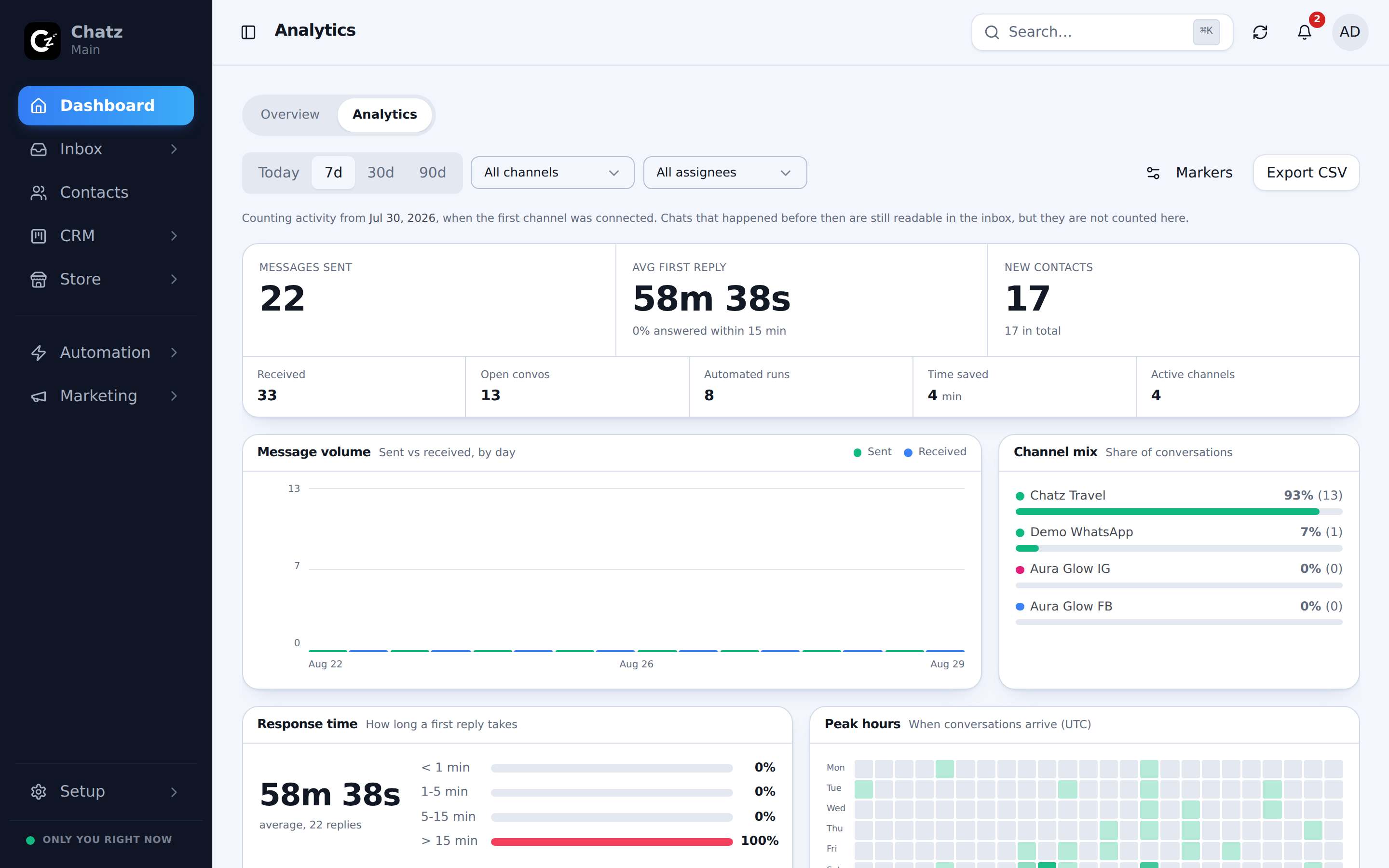
Messages, customer wait, agent response, missed chats, new contacts, leads by stage and sales by teammate, each against the period before. A month or longer arrives as a branded PDF by email.
What the customer waited, and what your team took
Customer wait counts any reply, bot included. Agent response counts people, in your office hours if you choose. One figure cannot answer both questions, so Chatz shows both.
- Missed chats against your reply target
- Handle time from first question to resolved
- Peak hours and messages by channel
How far every lead got, not only where they are now
Chatz records every stage a lead reaches, so the funnel shows L1 to L4 honestly, with the drop-off named between each step.
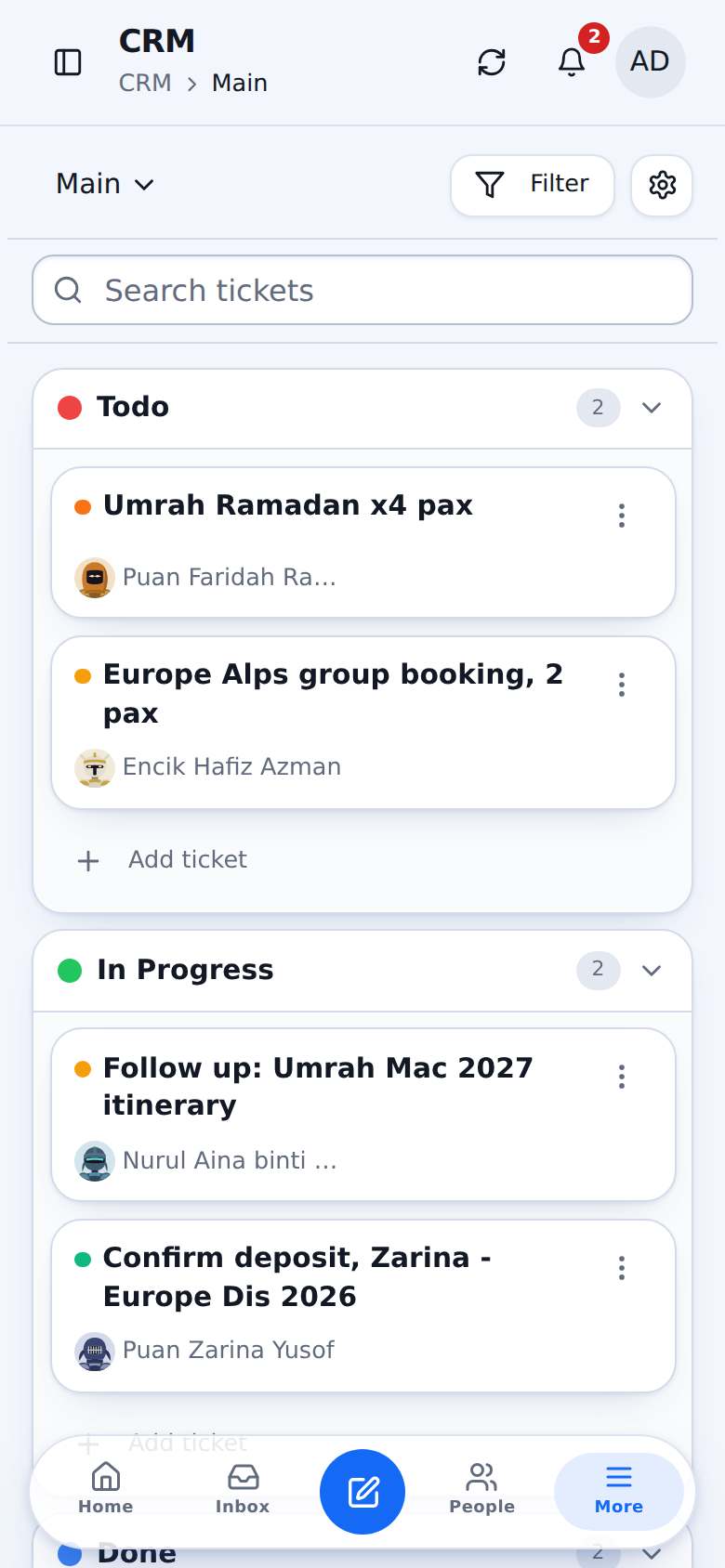
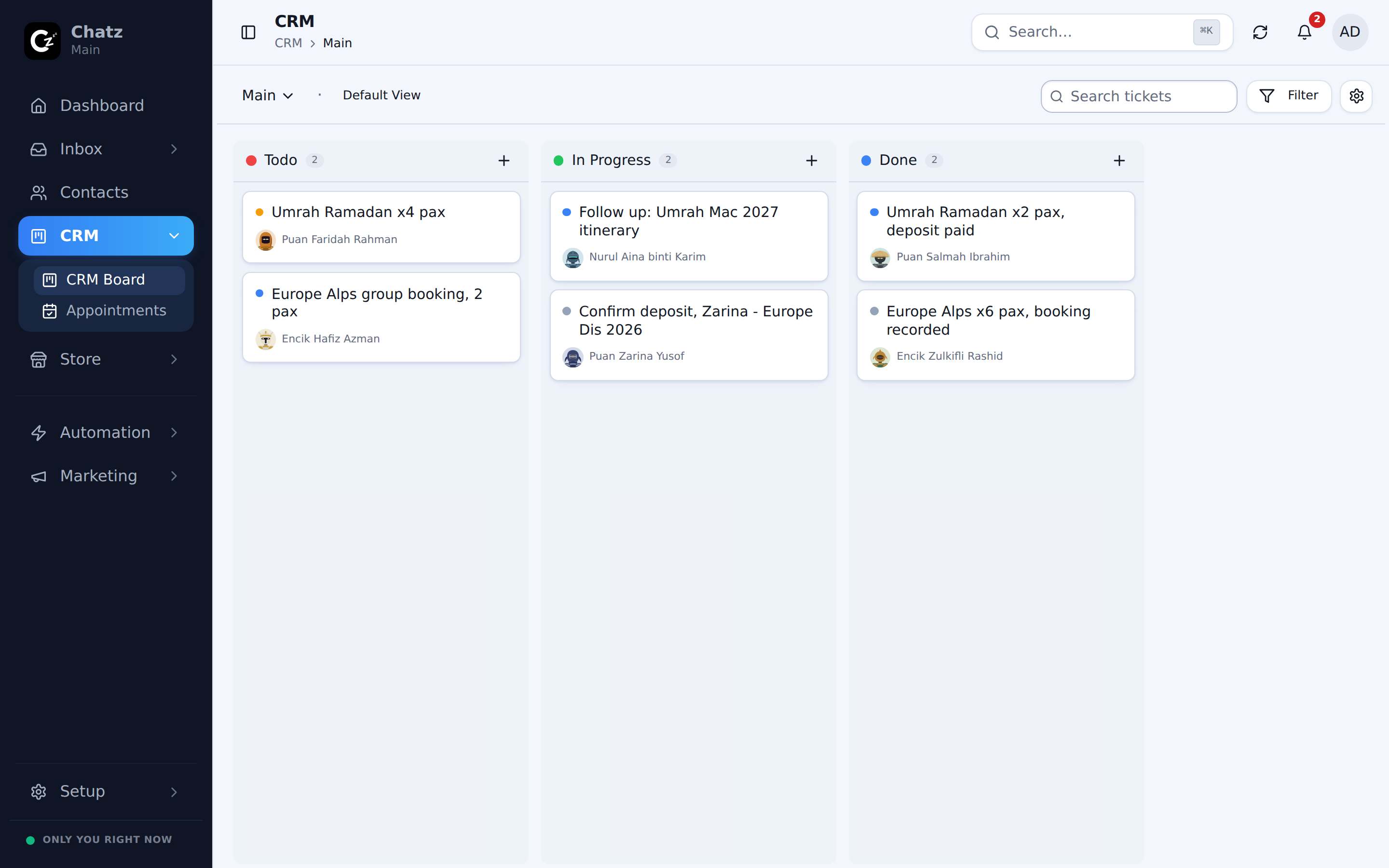
- Leads by stage and by tag
- Won and lost from invoices
- Per channel and per teammate tables
Up and running in three steps
- 1
Set your targets
Reply target and office hours.
- 2
Pick the markers
Which tags and invoice states mean won or lost.
- 3
Read it anywhere
Web, phone, or the monthly PDF.
How different businesses use it
Questions people ask
Can I see one teammate’s numbers?+
Owners and admins can switch the dashboard to any teammate, to unassigned chats, or to everyone. Agents see their own.
More ways Chatz helps
Ready to bring every conversation together?
Start free, connect your first number in minutes, and invite the team when you are ready.
No credit card required · Free 14-day trial