
Dari produk sampai bayar, tanpa keluar dari chat
Pamerkan katalog anda di storefront sendiri, hantar info produk dengan satu tap, buat invoice dalam thread dan kutip bayaran melalui CHIP. Status kemas kini sendiri, nampak jelas.
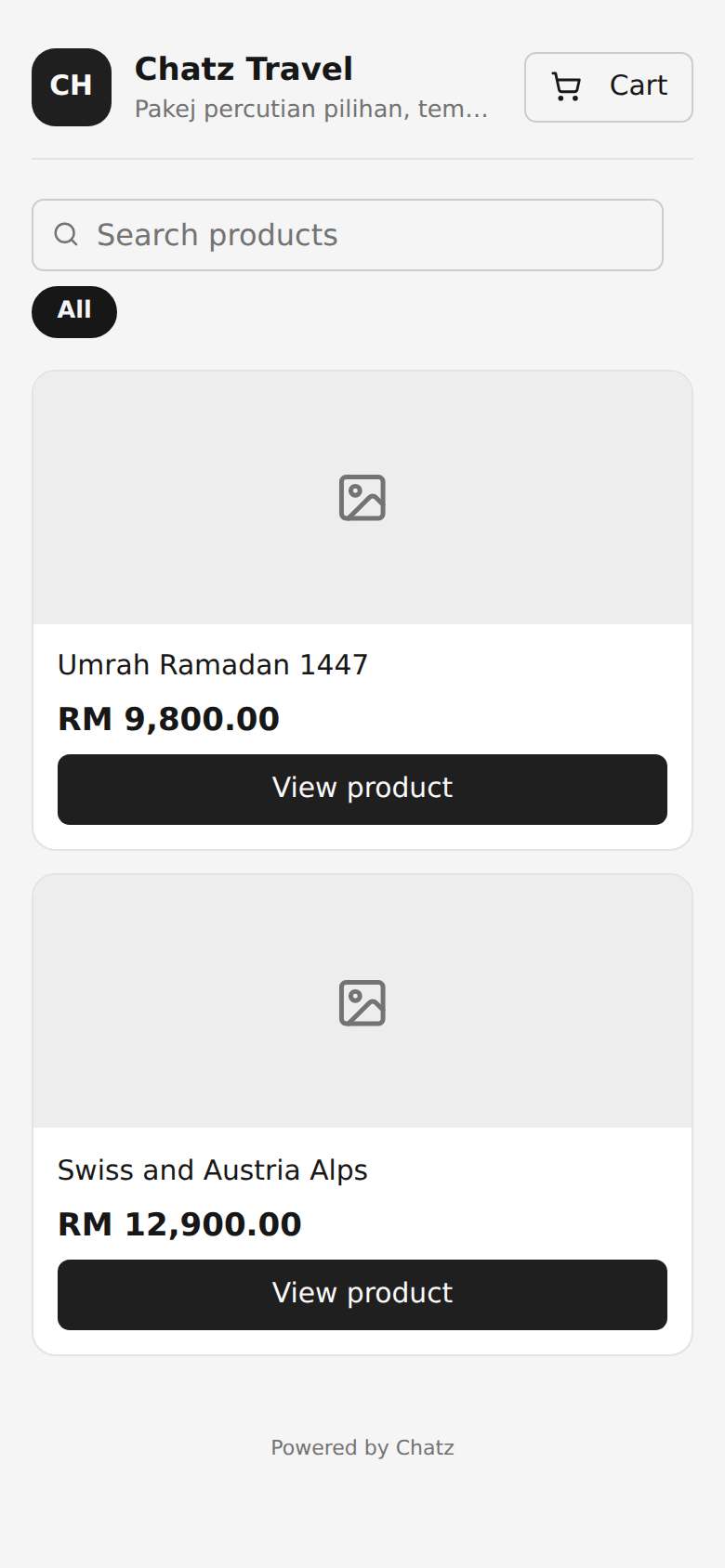
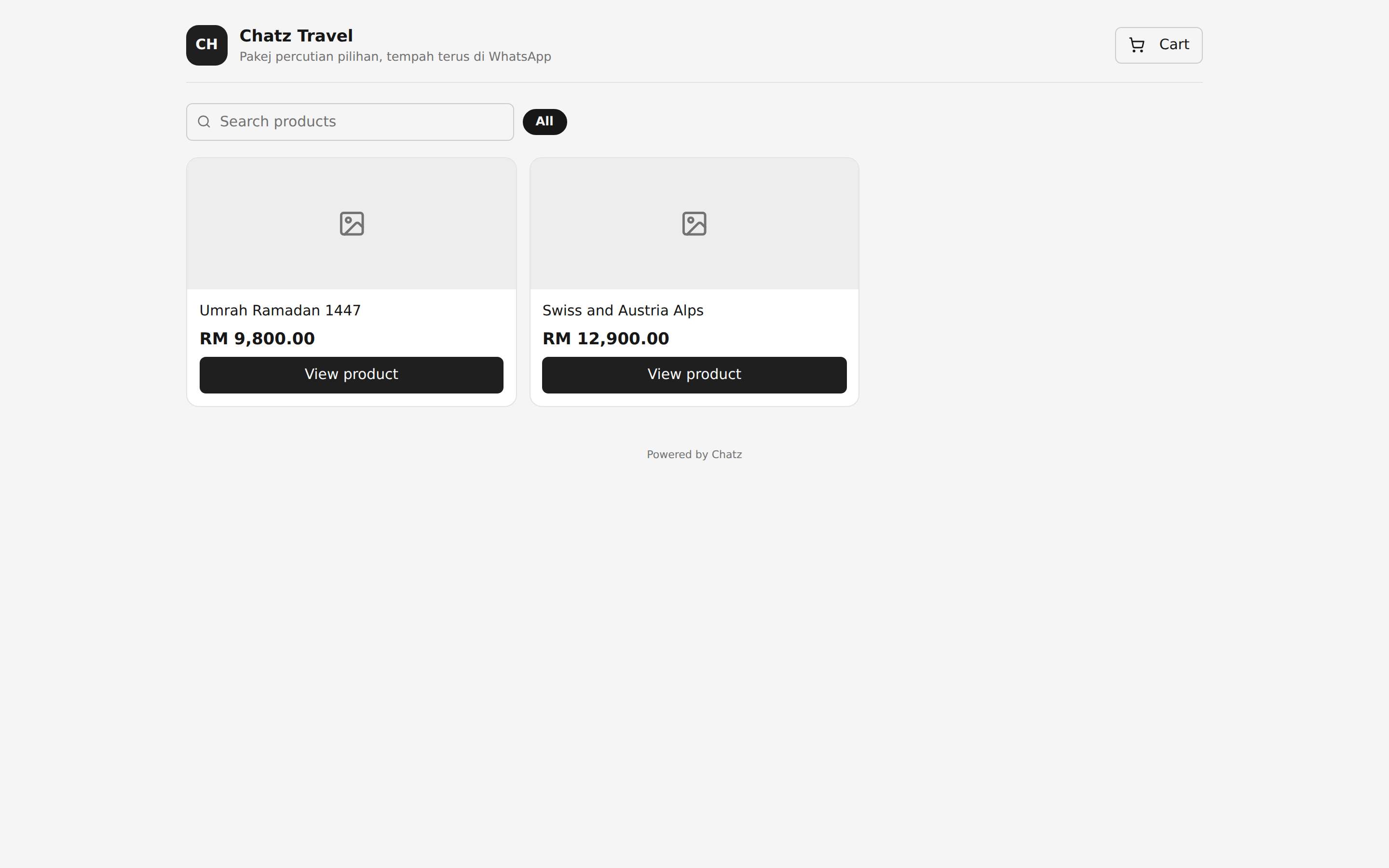
Kedai sendiri, daripada katalog yang anda dah simpan
Bina produk sekali sahaja, dengan gambar, brochure dan harga, dan Chatz bagi anda satu halaman kedai awam yang customer boleh layari, cari dan order.
- Storefront awam dengan cart dan checkout
- Harga tetap atau quote-on-request bagi setiap produk
- Kategori, media dan visibility mengikut produk
- Checkout melalui WhatsApp atau bayaran online
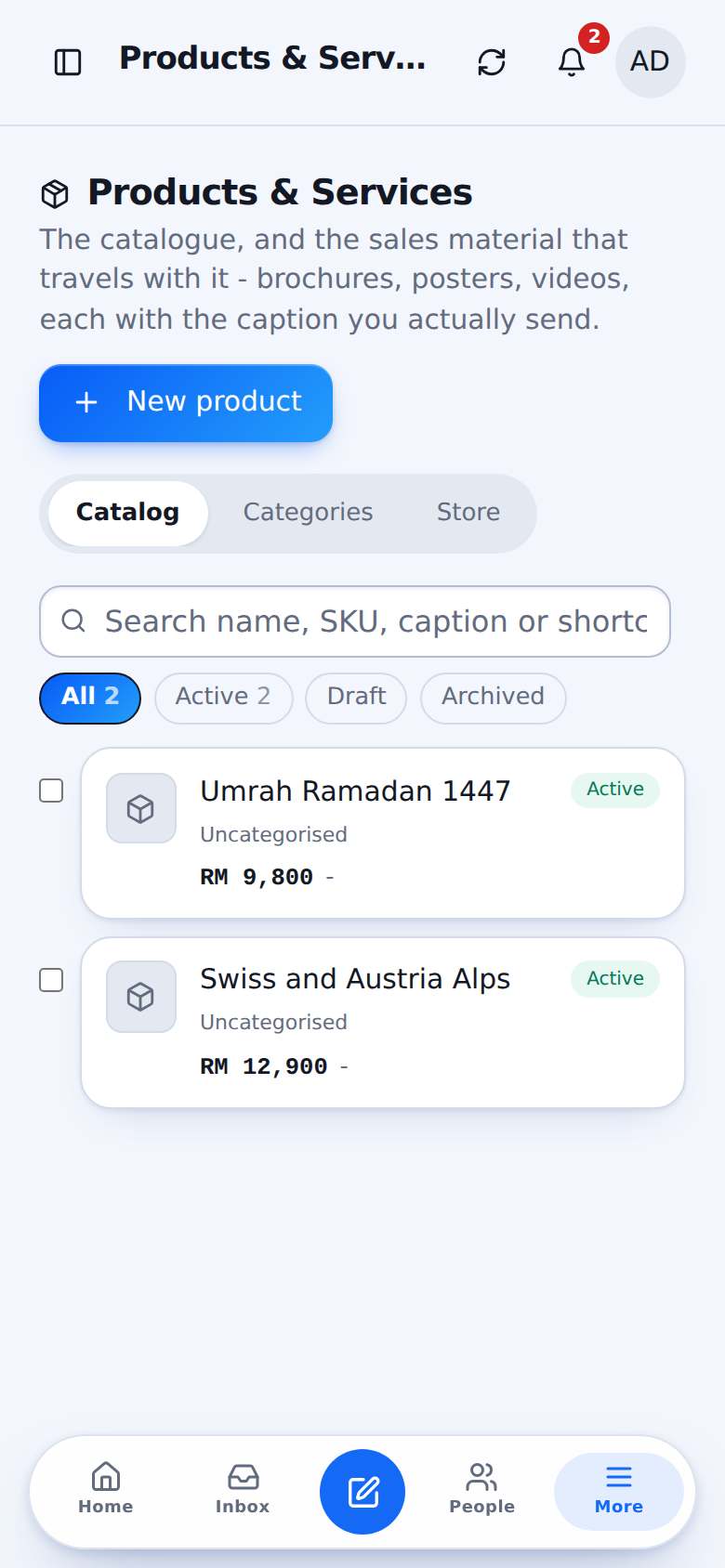
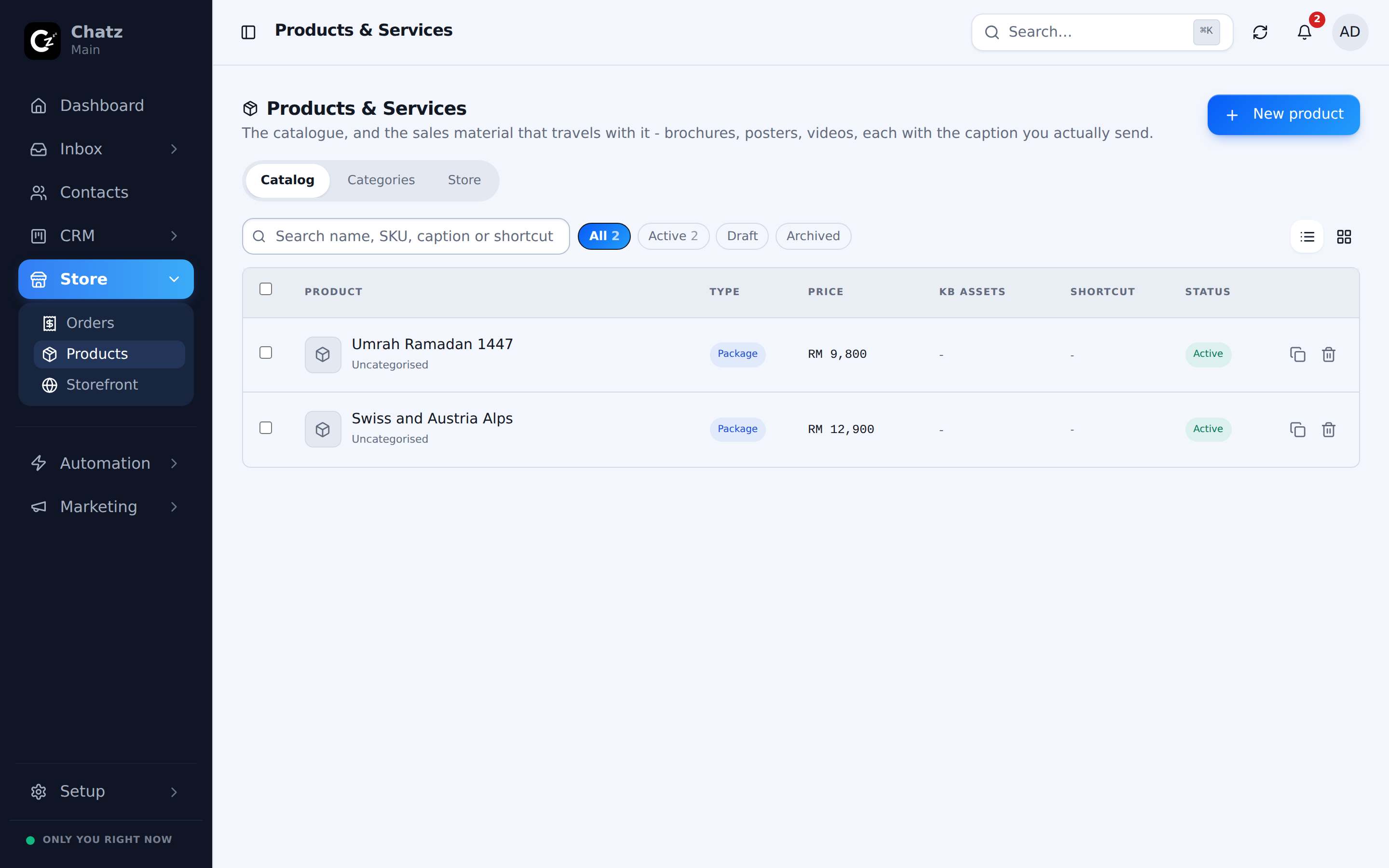
Hantar pitch dengan satu tap, kekalkan terkini di satu tempat
Lampirkan mana-mana produk dari composer dan customer terima brochure, caption dan harga dalam satu mesej. Simpan pitch sebagai knowledge entry dan guna semula dari quick replies, flow dan AI chatbot.
- Lampirkan produk dari menu +
- Knowledge entry boleh guna semula: kemas kini harga sekali, semua pitch ikut
- Berfungsi dari quick replies, langkah flow dan AI chatbot
Invoice dalam thread, kutip melalui CHIP
Buat invoice tempahan di tempat deal berlaku. Customer bayar pada link peribadi mereka: FPX, kad, e-wallet dan BNPL melalui CHIP, atau bank transfer dengan muat naik resit kalau anda tak nak gateway.
- Order dan invoice dicipta dalam conversation
- Payment gateway CHIP: FPX, kad, e-wallet, BNPL
- Laluan bank transfer dengan muat naik resit, tak perlu gateway
- Peringatan bayaran automatik melalui WhatsApp dan email
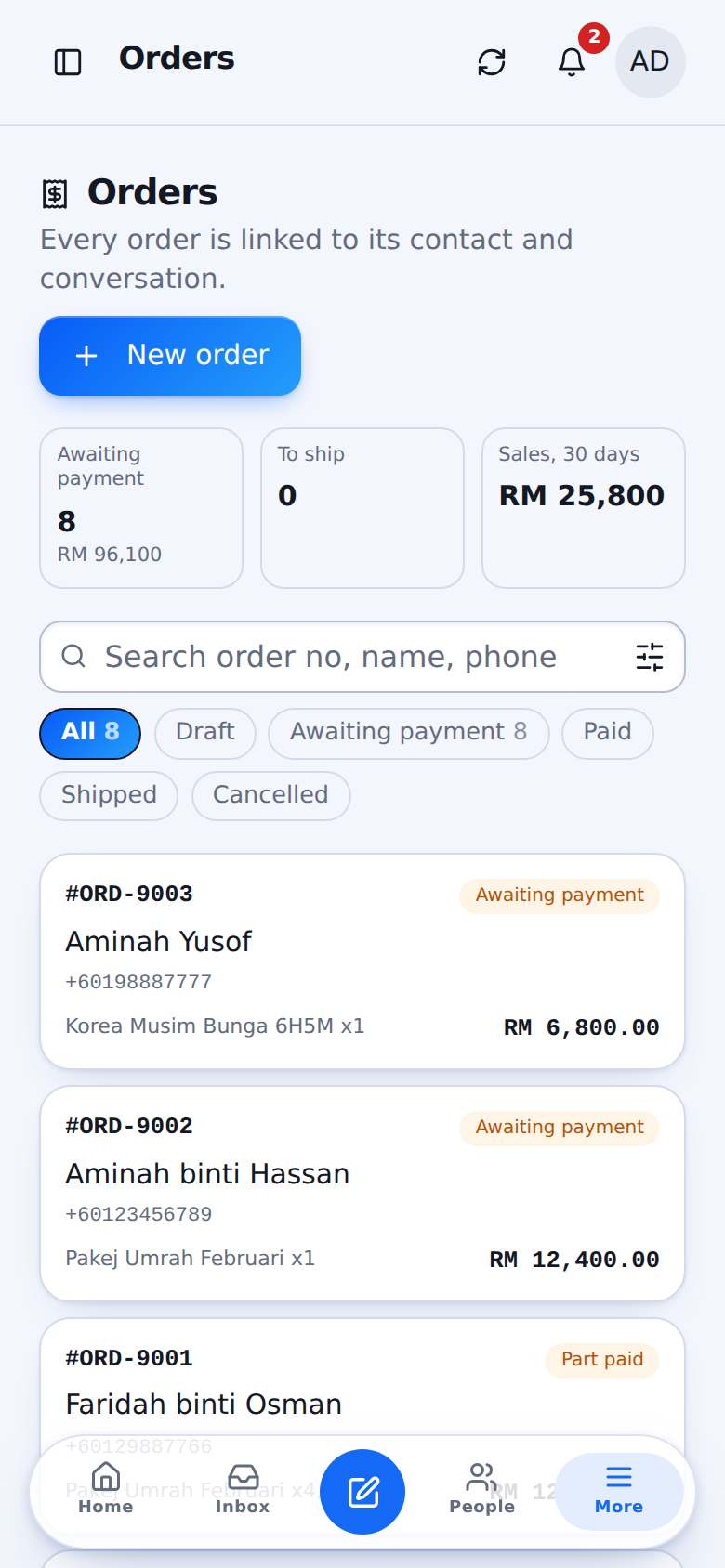
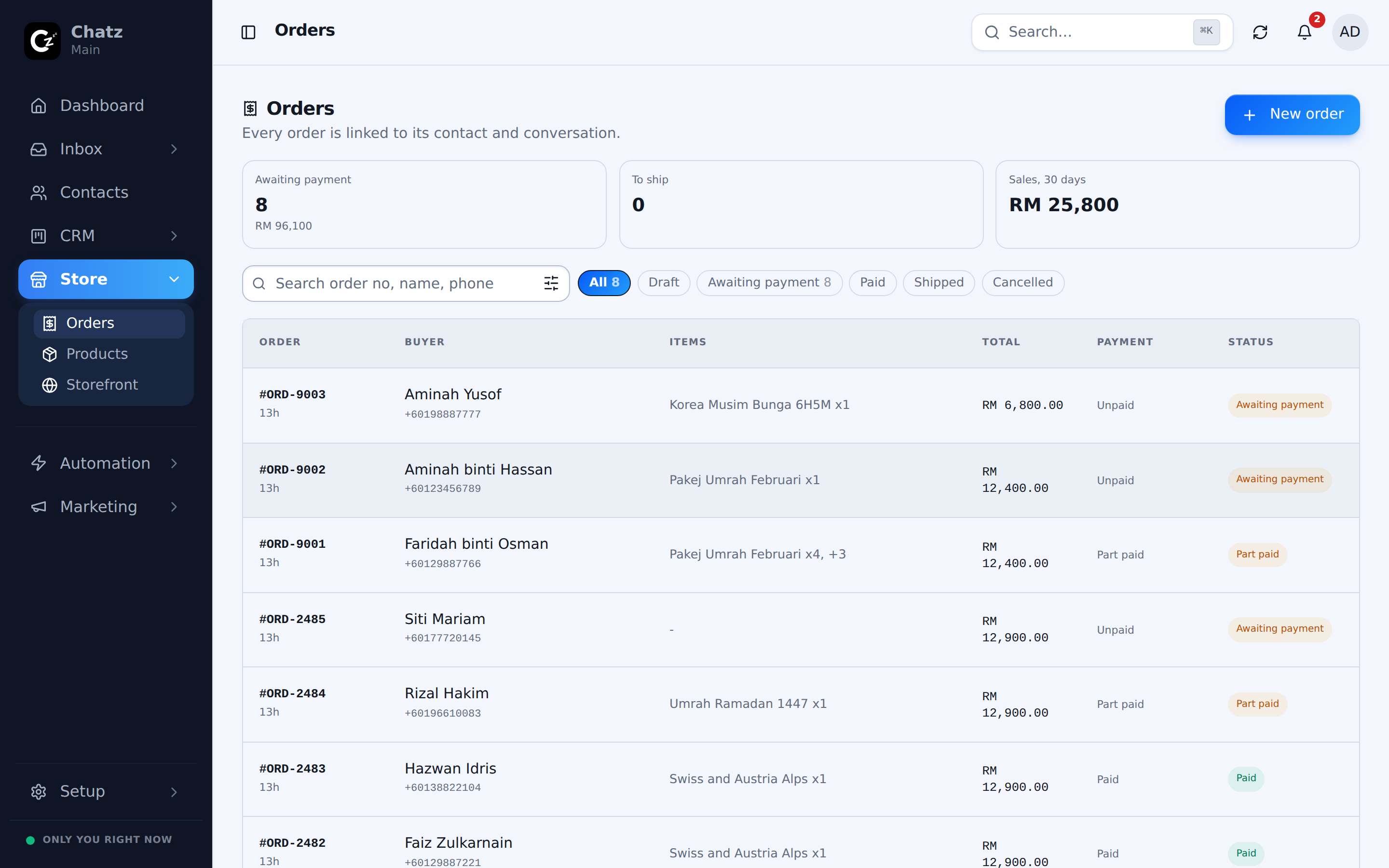
Status bayaran yang kemas kini sendiri, di tempat anda kerja
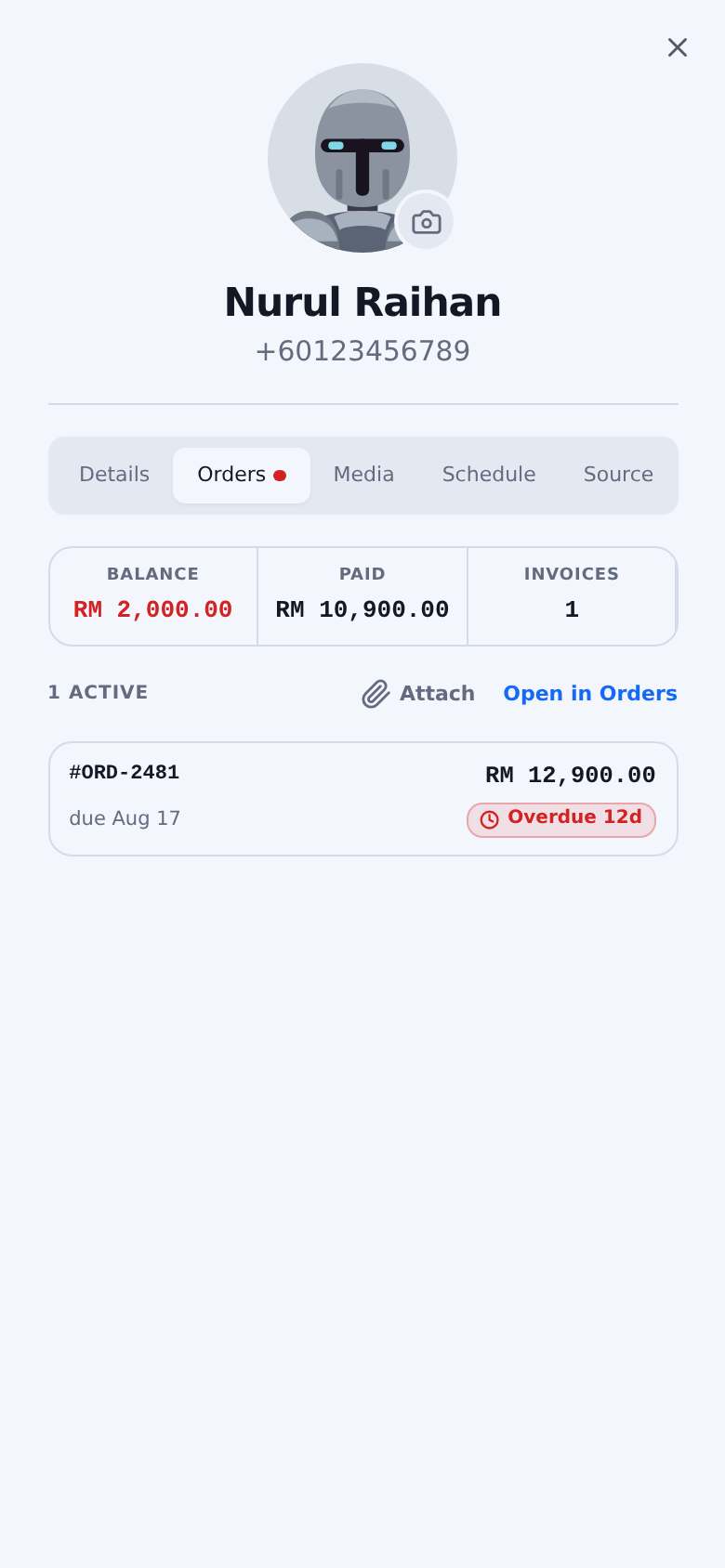
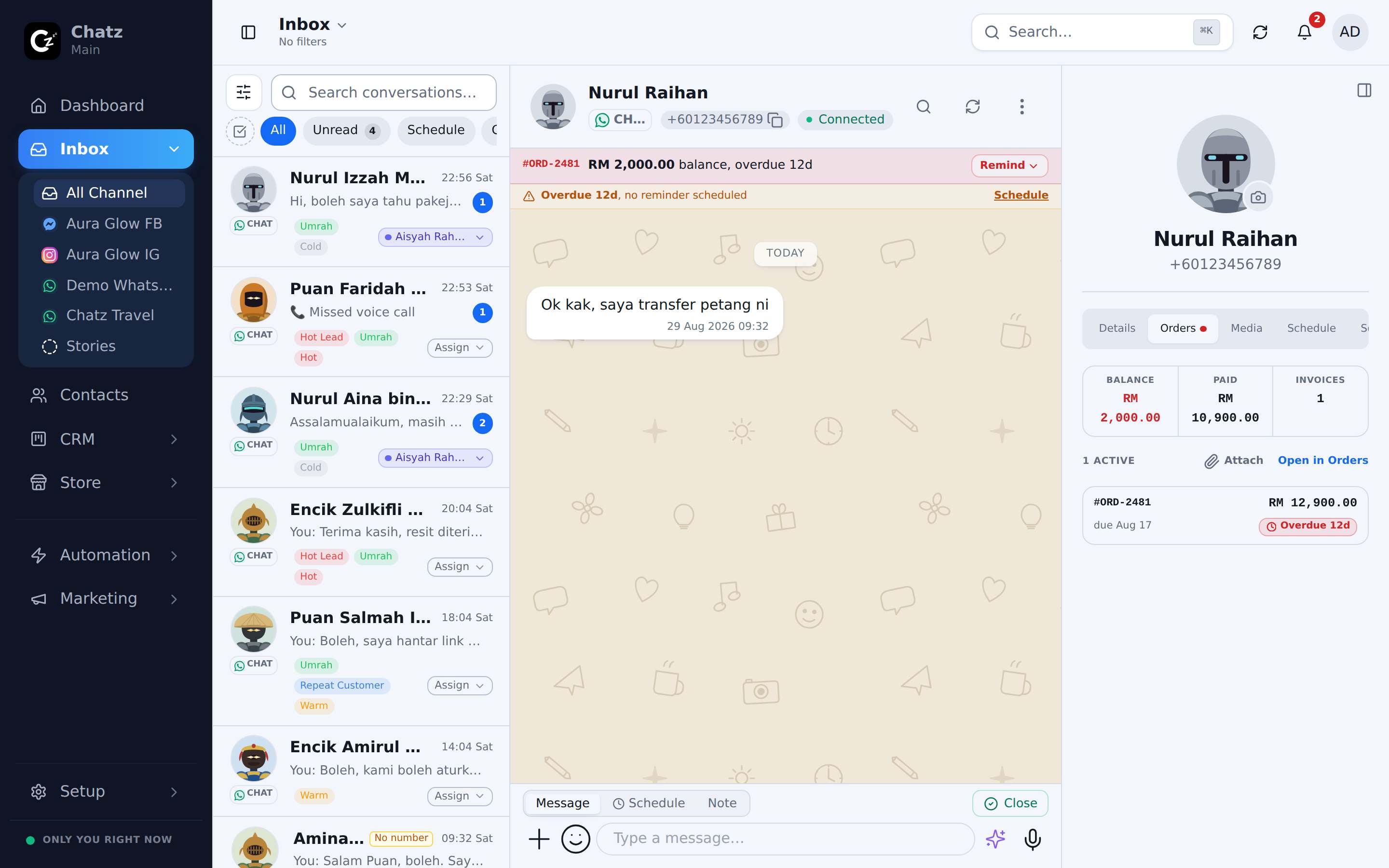
Bila duit masuk, order dikemas kini dan inbox beritahu: badge pada baris conversation, bar baki dalam thread, sejarah dalam panel contact. Tak perlu lagi tanya "dah bayar ke belum?"
- Badge Unpaid, Partial Paid, Paid dan overdue pada senarai chat
- Baki tertunggak nampak dalam thread
- Sejarah order dalam panel contact
- Status dari draft ke paid ke shipped
Senjata-senjata lain
Tengok dalam inbox anda sendiri
Mula free dan sambung channel pertama anda dalam beberapa minit. Nak butiran penuh? Docs terangkan feature ni langkah demi langkah.